MediaMonkey
VerifiedMedia jukebox for organizing, tagging, converting, and syncing large audio and video libraries
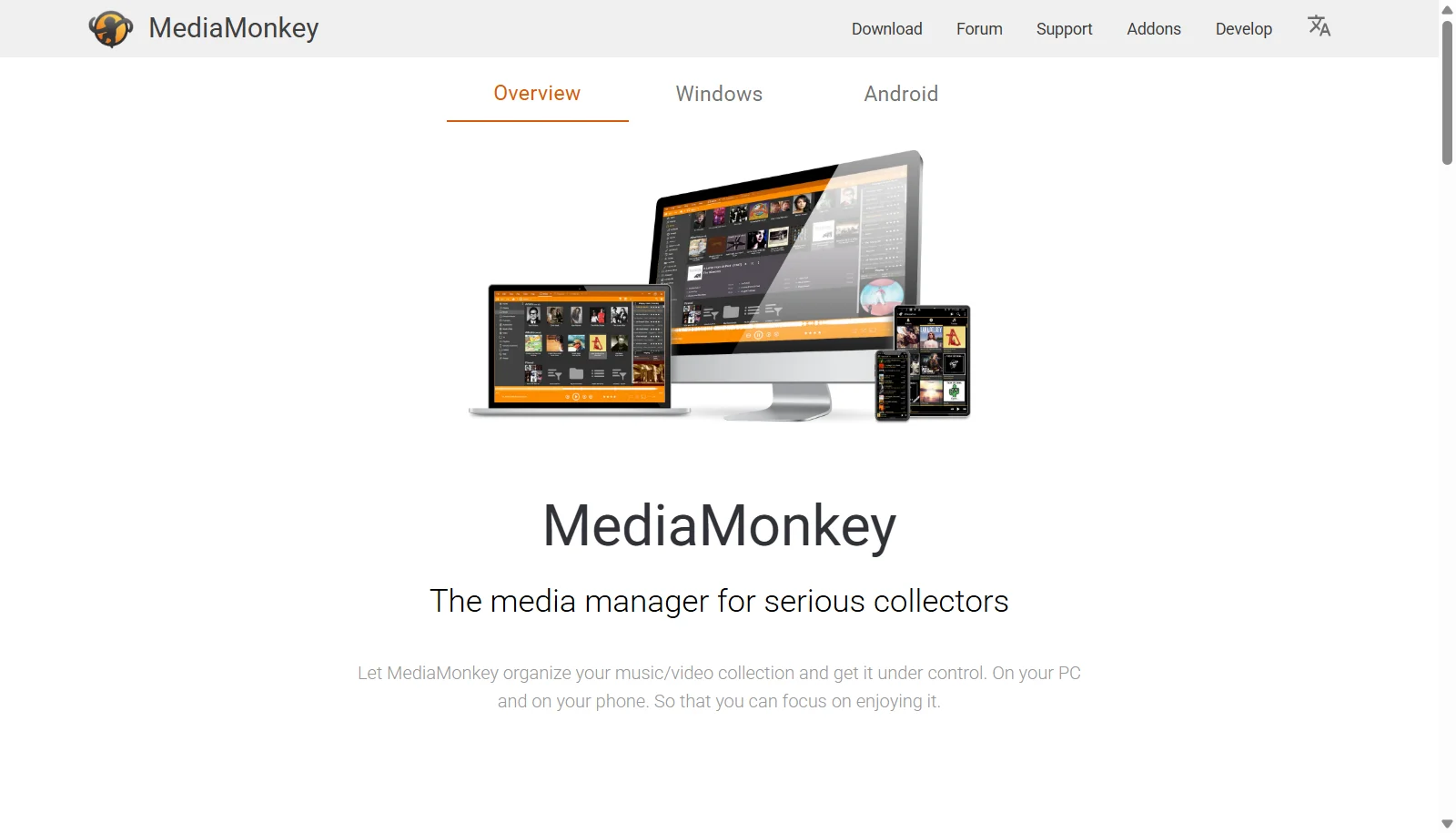 See all screenshots
 - Deployment On Premises
- Starting price Free
- Free trial Not offered
- Best for Freelancers
What is MediaMonkey?
MediaMonkey is a media jukebox and library manager designed to organize very large collections of music, podcasts, audiobooks, and video across hard drives, USB devices, network locations, and cloud storage. Its free base version handles everyday playback and tagging, while auto tagging tools retrieve missing album art, lyrics, and metadata from online databases, and smart playlists keep libraries organized automatically.
A paid Gold license unlocks additional tools such as automatic file organization, multiple media collections, and format conversion, sold as either a single version license or a lifetime upgrade. MediaMonkey also streams to Chromecast, DLNA devices, and televisions, and includes a companion Android app for on the go listening.
Key Features of MediaMonkey
MediaMonkey lists 10 documented features, including Auto tagging and metadata retrieval from online databases, Smart and dynamic playlist management and Podcast subscriptions and internet radio support. The list below covers what the product does rather than how it is marketed.
- Auto tagging and metadata retrieval from online databases
- Smart and dynamic playlist management
- Podcast subscriptions and internet radio support
- Audio and video format conversion
- Audio CD ripping
- Casting and streaming to Chromecast, DLNA, and TVs
- Sync with Android, USB, and network devices
- Manages libraries of over 100,000 files
- Skinnable, customizable interface
- Gold tier automatic file organization
MediaMonkey Pricing
MediaMonkey lists 4 plans, starting free and running to $99.95.
Gold (current version)
$39.95
One time purchase unlocking Gold features and updates for the current major version (2024.x).
Gold Lifetime
$99.95
One time purchase unlocking Gold features for all future MediaMonkey version upgrades.
Android Pro
$5.99
One time purchase unlocking all Pro features in the MediaMonkey Android app.
MediaMonkey Specifications
MediaMonkey is available on Windows and has Android apps. It has a free plan.
- Deployment
- On Premises
- Billing cycle
- One-time
- Desktop
- Windows
- Mobile
- Android
- Languages
- English
- Built for
- Freelancers
- Support
- Tickets
- Integrations
- iTunes and Windows Media Player library import, DLNA and Chromecast casting, Android device sync, podcast subscriptions
- Public API
- No
- Free trial
- No
- Free plan
- Yes
- Runs in browser
- No
- Customisable
- Yes
- Website
- mediamonkey.com
MediaMonkey Videos
MediaMonkey Screenshots
MediaMonkey Comparisons



Used MediaMonkey? Write the first review.
MediaMonkey FAQs
Alternatives to MediaMonkey
Other Music Management software recorded on the same fields.