Lectora
VerifiedPowerful eLearning authoring tool for accessible, branching, responsive courses
 See all screenshots
 - Deployment Cloud Based, On Premises
- Starting price $1,549
- Free trial Available
- Best for SMEs, Agencies, Enterprises
What is Lectora?
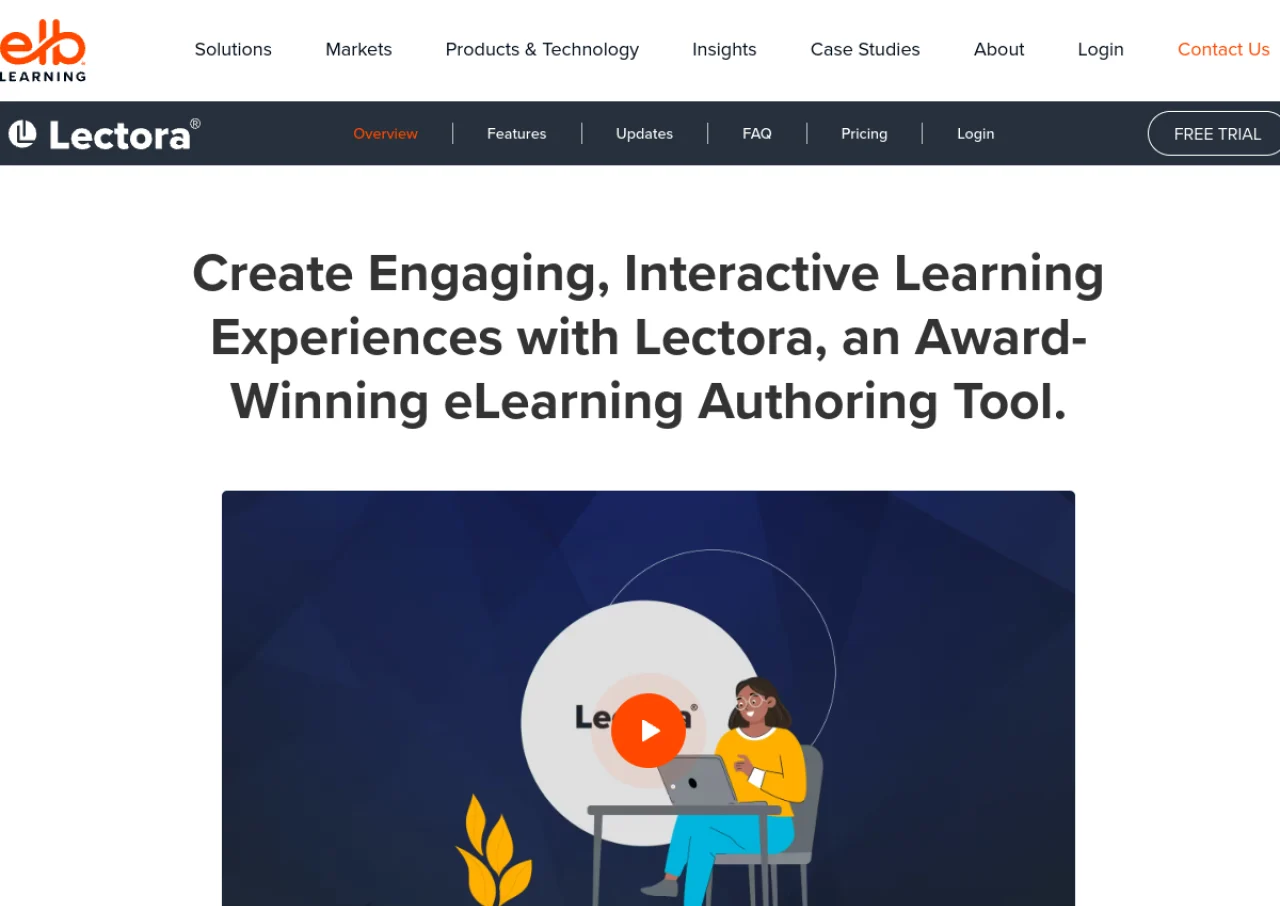
Lectora is a professional eLearning authoring tool from ELB Learning, used by corporate training teams and instructional designers to build interactive, responsive courses. It supports branching scenarios, drag and drop interactions, and an AI Course Wizard that generates a first draft of course content. Lectora is known for strong accessibility support, including WCAG friendly output, and ships with a large asset library of templates and media.
The tool is available as Lectora Online, a browser based authoring environment, and Lectora Desktop, a Windows application, with real time collaboration and version tracking across both. Courses publish to SCORM, xAPI, and AICC formats for use in any LMS. Lectora is sold through ELB Learning as part of bundled suites rather than as a single standalone subscription.
Key Features of Lectora
Lectora lists 8 documented features, including Branching scenario and drag-and-drop interaction builder, AI Course Wizard for generating first-draft course content and Built-in accessibility guide with WCAG-friendly output. The list below covers what the product does rather than how it is marketed.
- Branching scenario and drag-and-drop interaction builder
- AI Course Wizard for generating first-draft course content
- Built-in accessibility guide with WCAG-friendly output
- Asset Library with over 120 million templates and media assets
- Real-time collaborative authoring with built-in versioning
- Responsive design that adapts automatically across devices
- Custom scripting, CSS, and font support for advanced customization
- Question banks, randomized testing, and import/export of assessment files
Lectora Pricing
Lectora lists 2 plans, from $1,549 to $10,547.
Lectora
$1,549
per year
Listed as starting at $1,549 per year and bundled with the Asset Library and ReviewLink.
Lectora bundle
$10,547
per year
Higher tier on the same Lectora pricing page, listed as starting at $10,547 per year and sold through Contact Us; the page promotes it alongside The Studio bundle of 9 or more learning tools.
Lectora Specifications
Lectora is available on web app and Windows. It has a free trial.
- Deployment
- Cloud Based
- On Premises
- Billing cycle
- Yearly
- Desktop
- Web App
- Windows
- Languages
- English
- Built for
- SMEs
- Agencies
- Enterprises
- Support
- Phone
- Training
- Tickets
- Integrations
- SCORM, xAPI, AICC, PowerPoint import, major LMS platforms
- Public API
- No
- Free trial
- Yes
- Free plan
- No
- Runs in browser
- No
- Customisable
- Yes
- Website
- elblearning.com
Lectora Videos
Lectora Screenshots
Lectora Comparisons



Used Lectora? Write the first review.
Lectora FAQs
Alternatives to Lectora
Other Elearning Authoring Software recorded on the same fields.