
Photoroom
VerifiedAI photo editor for instant background removal and e-commerce product photography
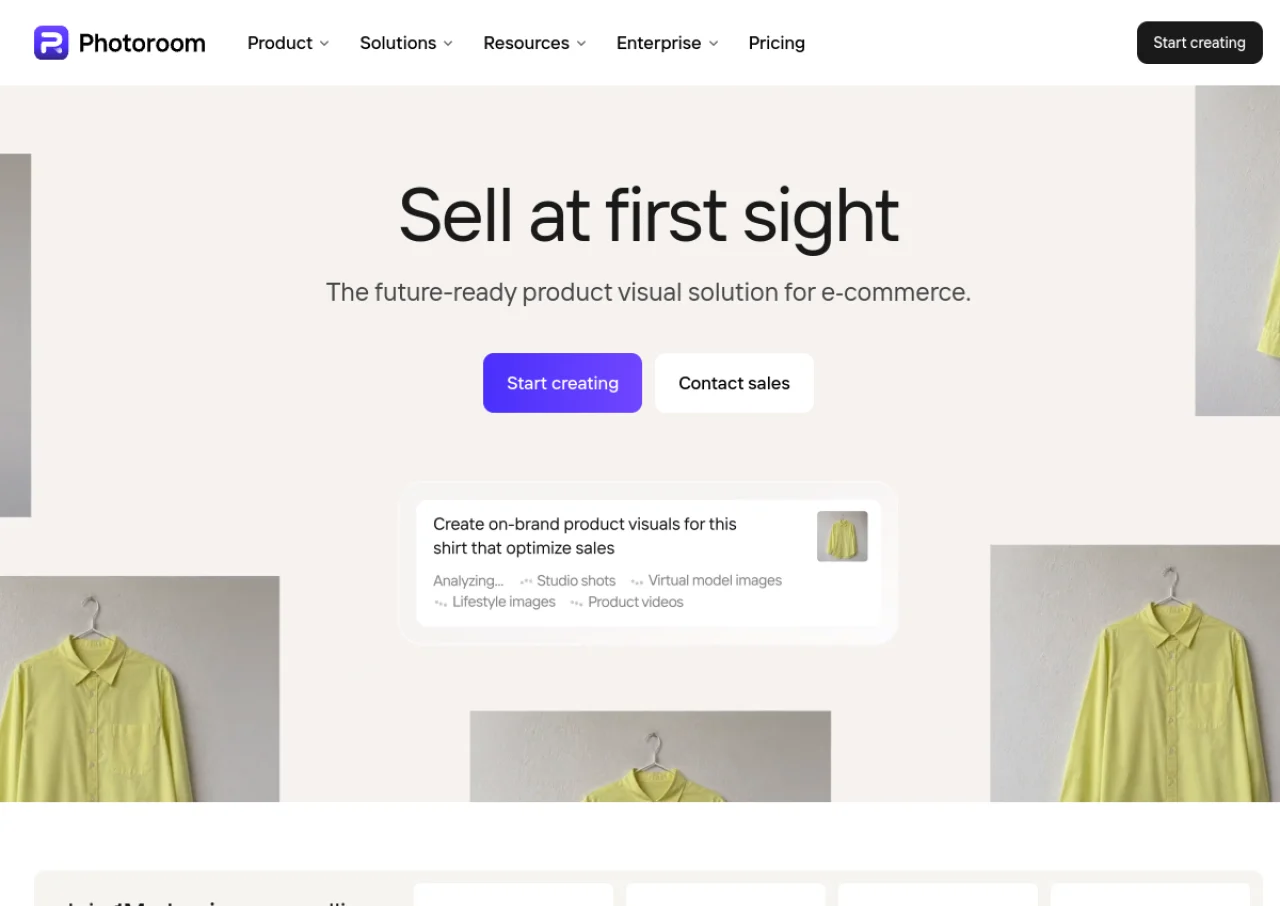 See all screenshots
 - Deployment Cloud Based
- Starting price Free
- Free trial Available
- Best for Freelancers, SMEs, Agencies
What is Photoroom?
Photoroom is an AI-powered photo editing app focused on background removal and product photography. It lets users instantly remove and replace image backgrounds, generate AI backgrounds and virtual model shots, retouch and resize photos, and batch-process large volumes of product images for e-commerce listings. It is used heavily by online sellers, resellers, and small businesses to create marketplace-ready photos for platforms like Amazon, eBay, Etsy, and Shopify.
The product is available as a web app, iOS and Android mobile app, and via a developer API for programmatic background removal and image generation. Plans range from a free tier with limited monthly exports and watermarked images to paid Pro, Max, and Ultra subscriptions that unlock higher AI credit allowances, batch export limits, advanced AI tools such as Ghost Mannequin and Virtual Model, and priority support, plus a custom Enterprise tier for high-volume users.
Key Features of Photoroom
Photoroom lists 10 documented features, including AI background removal, AI-generated custom backgrounds and scenes and Batch photo editing and bulk background removal. The list below covers what the product does rather than how it is marketed.
- AI background removal
- AI-generated custom backgrounds and scenes
- Batch photo editing and bulk background removal
- Virtual Model and Ghost Mannequin for apparel product photos
- AI Retouch to remove unwanted objects
- Templates for social media and marketplace listings
- Image resizing for specific e-commerce marketplace requirements
- Brand kit for consistent product photo styling
- Developer API for background removal and image generation
- Shopify listing integration
Photoroom Pricing
Photoroom lists 5 plans. One is free; the rest are quoted on request.
Pro
Not confirmed on official pricing page
(third-party sources report approx. $12.99/month billed monthly, or approx. $7.50/month billed annually)
500 batch exports/month, unlimited white backgrounds, HD exports
Max
Custom/not published on official page at time of research
1,500 batch exports/month, advanced AI models, video generator
Ultra
Custom/not published on official page at time of research
4,000+ batch exports/month, scalable AI credits, x1/x2/x5/x10 tiers
Photoroom Specifications
Photoroom is available on web app and has iOS and Android apps. It offers an API, has a free trial and has a free plan.
- Deployment
- Cloud Based
- Billing cycle
- Monthly
- Desktop
- Web App
- Mobile
- iOS
- Android
- Languages
- English
- Built for
- Freelancers
- SMEs
- Agencies
- Support
- Live Support
- Integrations
- Shopify listing integration is mentioned on paid plans; a developer API is available for custom integrations into other e-commerce and software platforms.
- Public API
- Yes
- Free trial
- Yes
- Free plan
- Yes
- Runs in browser
- Yes
- Customisable
- Yes
- Website
- photoroom.com
Photoroom Videos
Photoroom Screenshots
Photoroom Comparisons
Side by side comparisons of Photoroom against 3 other AI Background Remover options listed here.



Used Photoroom? Write the first review.
Photoroom FAQs
Alternatives to Photoroom
Other AI Background Remover recorded on the same fields.