
Visual Studio Code
VerifiedThe free open source editor, now positioned around multi-agent AI development
 See all screenshots
 - Deployment On Premise, Cloud Based
- Starting price Free
- Free trial Available
- Best for Freelancers, Small Business, Medium Business
What is Visual Studio Code?
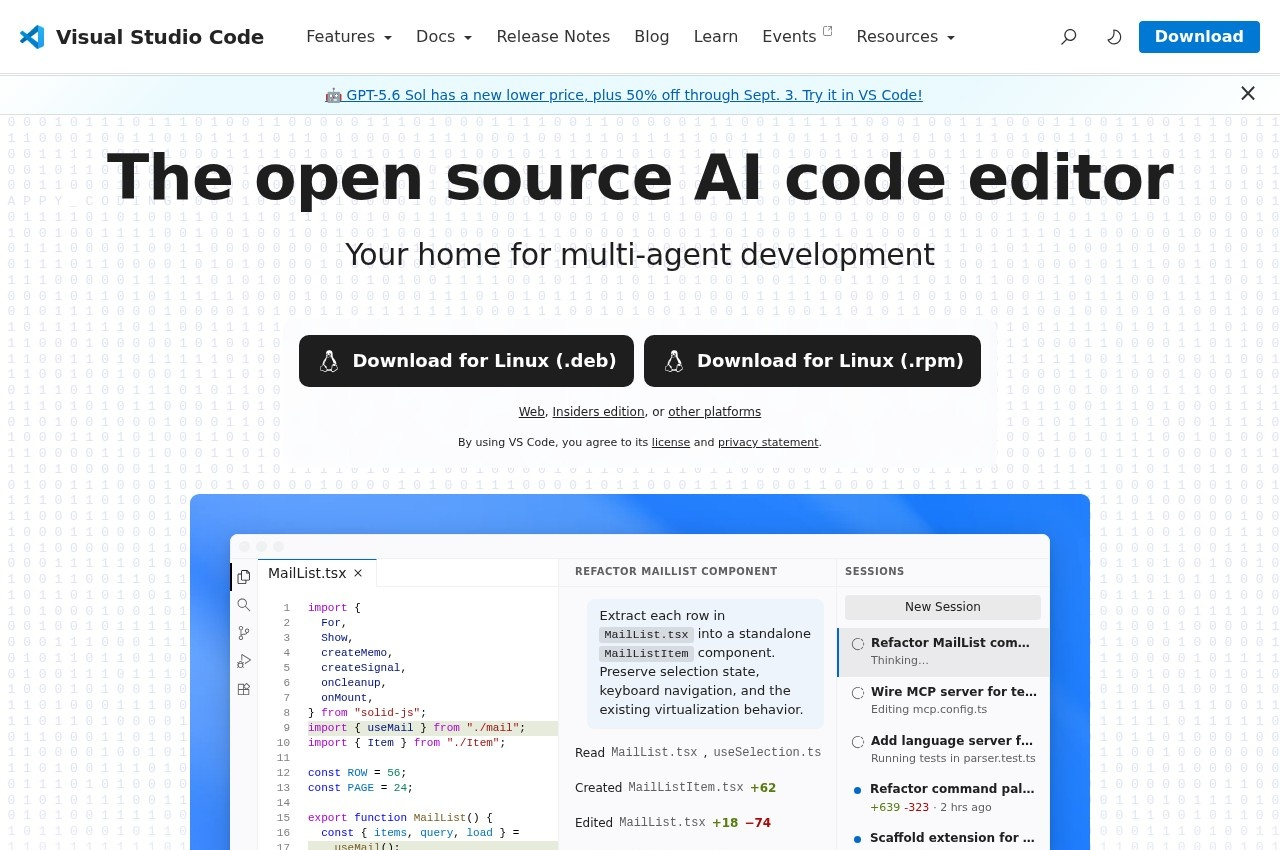
Visual Studio Code is Microsoft's free open source code editor for Windows, macOS and Linux, now presented as an AI code editor built for multi-agent development, with agent customisation, model and agent harness selection, an enterprise offering, an extension marketplace and MCP support. Insiders and web editions are published alongside the desktop builds.
The extension marketplace is why this became the default editor and it remains the substantive reason to choose it. Editing HTML is a solved problem in any editor; what differs is whether the language server, formatter, linter and framework tooling a project needs already exist and are maintained. On a marketplace this size they nearly always do.
Letting the user choose models and agent harnesses is a notable position for a vendor with its own AI products, since the obvious commercial move is to bind the editor to one. Keeping the layer open means the editor survives changes in which model is best, which over a two year horizon is not a small consideration.
Being free with no licensing at all removes the friction entirely for a student or a small team, which is how it reached the position it now holds. An editor that costs nothing and runs everywhere becomes the one people already know, and that is worth more in this category than any individual capability.
Key Features of Visual Studio Code
- Free and open source
- Windows, macOS and Linux builds
- Web and Insiders editions
- Extension marketplace
- Language servers and syntax support for HTML and web languages
- Integrated terminal and debugging
- Git integration
- AI agents and agent customisation
- Model and agent harness selection
- MCP support
- Enterprise deployment options
- Live preview and web development tooling
Visual Studio Code Pricing
Free
Free
Free and open source across Windows, macOS and Linux, with web and Insiders editions. AI features may involve separately priced model access.
Visual Studio Code Specifications
- Deployment
- On Premise
- Cloud Based
- Desktop
- Windows
- Mac
- Linux
- Web App
- Built for
- Freelancers
- Small Business
- Medium Business
- Large Enterprise
- Support
- Knowledge Base
- Public API
- Yes
- Free trial
- Yes
- Free plan
- No
- Runs in browser
- No
- Customisable
- No
- Website
- code.visualstudio.com
Visual Studio Code Screenshots
Visual Studio Code Reviews
No reviews yet
Used Visual Studio Code? Share your experience and help other buyers decide.
Visual Studio Code FAQs
Alternatives to Visual Studio Code
Other HTML Editors recorded on the same fields.