Trados Studio
VerifiedThe long established CAT tool, now 64-bit with an AI that translates in your style
 See all screenshots
 - Deployment On Premise, Cloud Based
- Starting price Published by edition
- Free trial Available
- Best for Small Business, Medium Business, Large Enterprise
What is Trados Studio?
Trados from RWS supports the entire translation supply chain, from an individual translator using their first computer assisted translation tool through to enterprises managing multilingual content at scale.
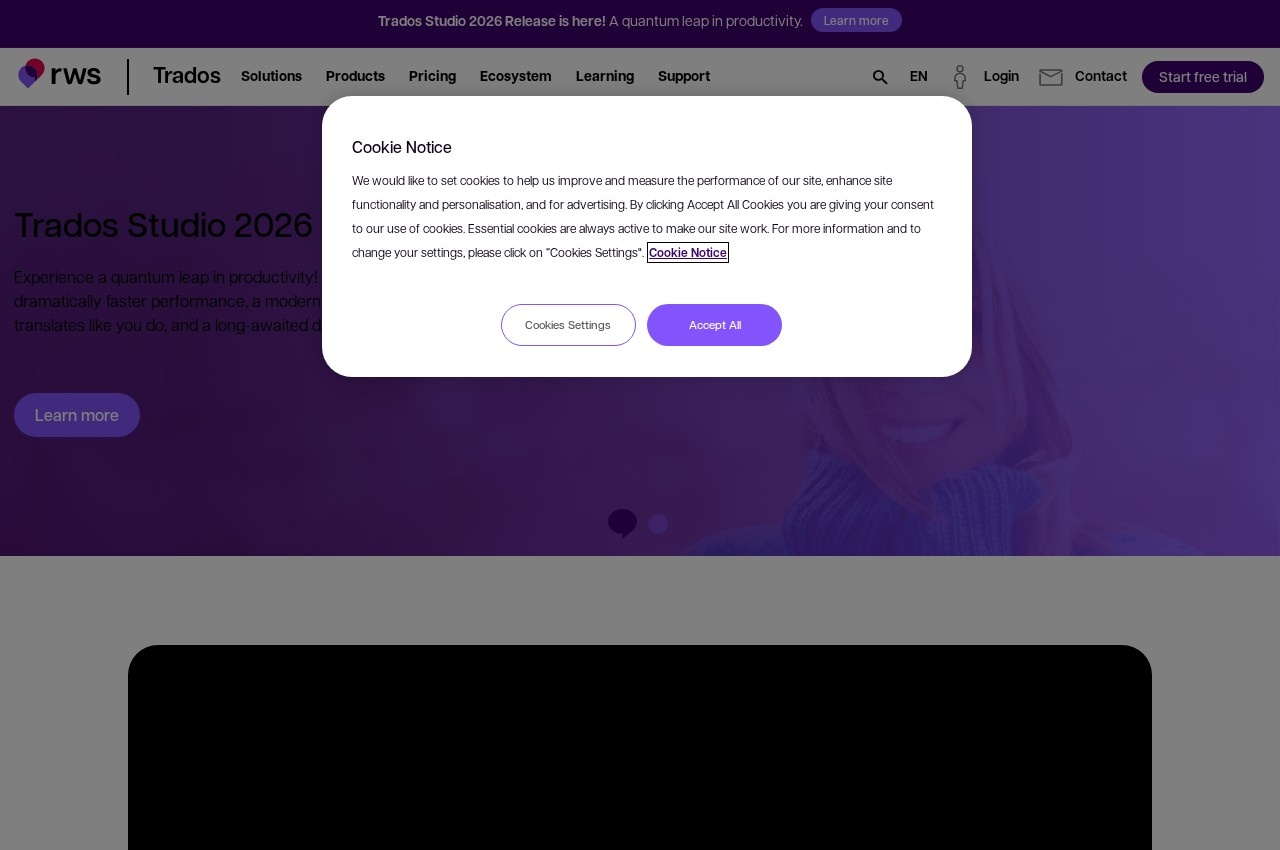
The current release addresses complaints translators have made for years. Native 64-bit architecture gives dramatically faster performance, which matters because large translation memories were exactly where the old 32-bit build ran into memory limits. The terminology workflow has been modernised, and a dark theme has finally arrived, which sounds trivial until you consider that translators spend entire working days inside this one application.
The AI is positioned as translating like you do, which is the right framing for the profession. A translator's value is their voice and consistency, so machine output that ignores their established choices creates editing work rather than saving it.
Three audiences are addressed distinctly: corporations optimising end to end translation, agencies streamlining collaboration with translators and clients through centralised projects, files and resources, and freelance translators getting the technology to work productively. The ecosystem is the real moat, with connectors linking content systems directly to the platform, ready made partner integrations, and over 350 apps in the RWS AppStore extending translation, review and terminology processes. Trados publishes a pricing page though no figures were captured from it.
Key Features of Trados Studio
- Translation memory
- Terminology management
- Native 64-bit architecture
- AI translation in your own style
- Dark theme
- Centralised project and resource sharing
- Content system connectors
- 350+ apps in the RWS AppStore
- Partner technology integrations
- Freelance, agency and enterprise editions
Trados Studio Pricing
By edition
Published by edition
Licensed separately for freelance, agency and enterprise use, with rates on the Trados pricing page.
Trados Studio Specifications
- Deployment
- On Premise
- Cloud Based
- Desktop
- Windows
- Web App
- Built for
- Small Business
- Medium Business
- Large Enterprise
- Support
- Phone
- Knowledge Base
- Community
- Public API
- Yes
- Free trial
- Yes
- Free plan
- No
- Runs in browser
- No
- Customisable
- No
- Website
- trados.com
Trados Studio Screenshots
Trados Studio Comparisons


Trados Studio Reviews
No reviews yet
Used Trados Studio? Share your experience and help other buyers decide.