
Microsoft DNS Server
VerifiedWindows Server DNS, the location mechanism Active Directory depends on
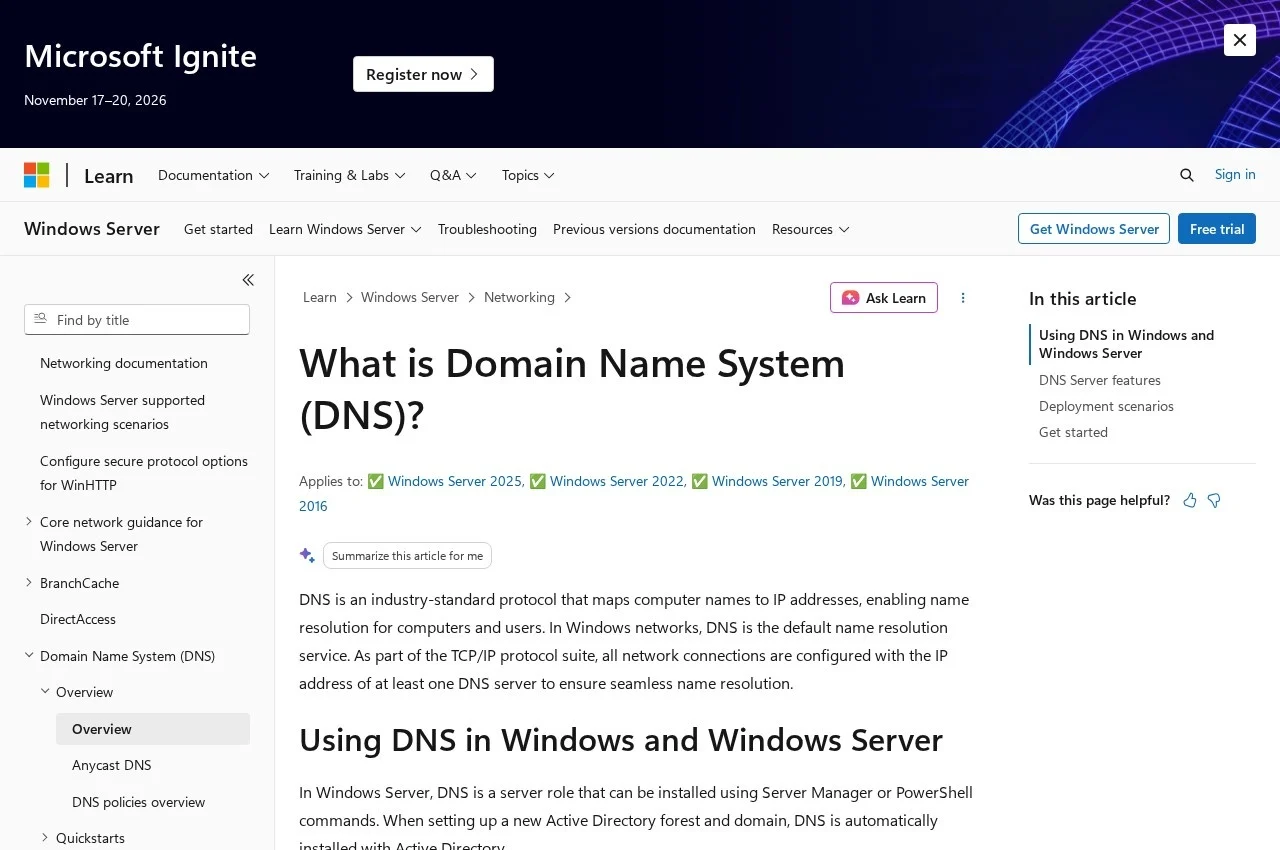 See all screenshots
 - Deployment On Premise, Hybrid
- Starting price Included in Windows Server
- Free trial Available
- Best for Small Business, Medium Business, Large Enterprise
What is Microsoft DNS Server?
Windows Server DNS is the DNS role built into Windows Server, and its significance comes less from its DNS features than from what depends on it.
DNS is essential to Active Directory Domain Services, serving as the domain controller location mechanism for authentication, updates and searches. The DNS server stores and replicates the zones containing the names and IP addresses of every computer in the domain, so clients can resolve names and, critically, find a domain controller. When a user logs in to an Active Directory domain, the DNS Client queries DNS to locate a domain controller, gets its IP address back, and only then can authentication begin.
That dependency is why DNS problems in a Windows environment rarely present as DNS problems. They present as logins failing, group policy not applying or replication stalling, and the actual fault is a name that will not resolve.
Windows Server DNS can also run as a standalone solution without Active Directory, for instance hosting public lookup zones for an organisation. The DNS Client service is included in every client and server version of Windows and runs by default after installation. Integration with Active Directory allows zones to be stored in the directory and replicated with it rather than through separate zone transfers. Licensing is part of Windows Server rather than separate.
Key Features of Microsoft DNS Server
- Authoritative DNS for Windows domains
- Active Directory integrated zones
- Domain controller location for authentication
- Directory based zone replication
- Standalone DNS operation without AD
- Forward and reverse lookup zones
- Conditional forwarding
- DNSSEC support
- Built in DNS Client on all Windows versions
- PowerShell and GUI management
Microsoft DNS Server Pricing
Included with Windows Server
Included in Windows Server
No separate DNS licence. The role ships with Windows Server, so the cost is the server licence and its CALs.
Microsoft DNS Server Specifications
- Deployment
- On Premise
- Hybrid
- Desktop
- Windows
- Built for
- Small Business
- Medium Business
- Large Enterprise
- Support
- Phone
- Knowledge Base
- Public API
- Yes
- Free trial
- Yes
- Free plan
- No
- Runs in browser
- No
- Customisable
- No
- Website
- learn.microsoft.com
Microsoft DNS Server Screenshots
Microsoft DNS Server Comparisons



Used Microsoft DNS Server? Write the first review.