


Plans and Pricing
Compare pricing of Paintstorm Studio vs Compare with the following detailed pricing plan info. Paintstorm Studio comes in 2 packages: Foundation, Strength. On the other hand, Compare has not provided information about its pricing.
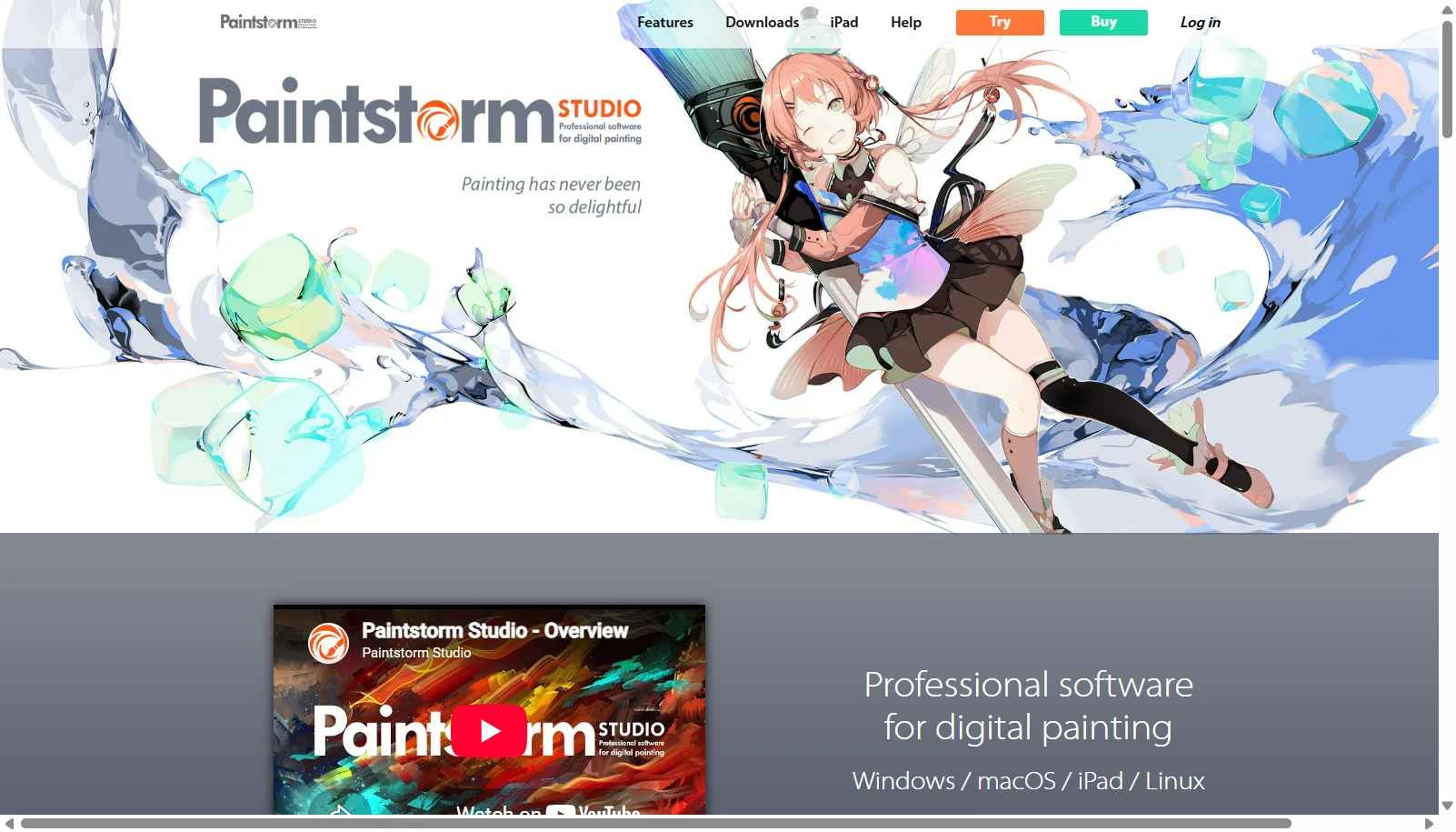
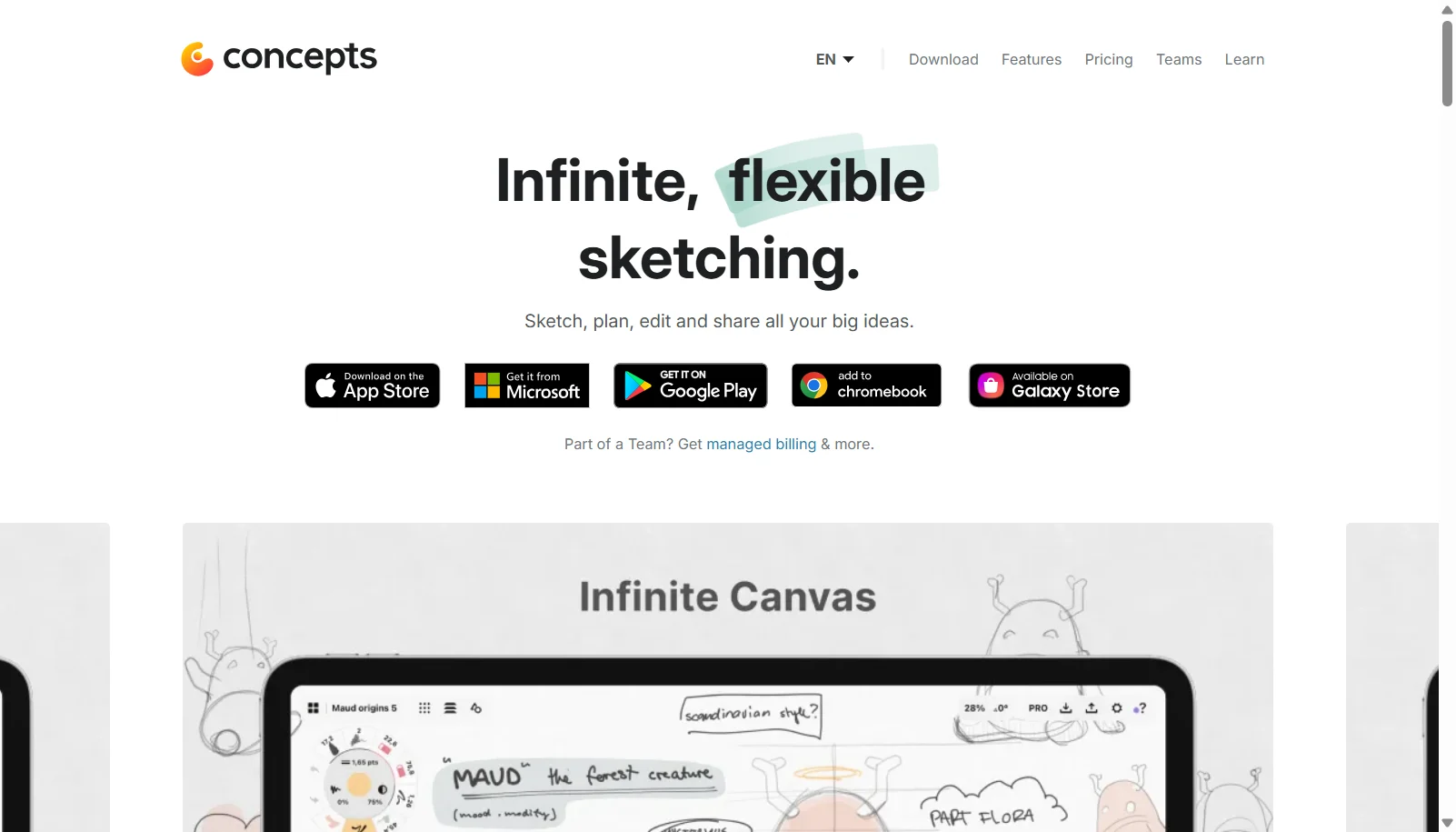
Screenshot
Take a look at the below screenshots and seamlessly compare the user interface of Paintstorm Studio and Concepts for better insights.
Features
Compare between Paintstorm Studio and Concepts on their key features and functionalities to pick the right one for your business.
- Advanced brush engine with bristle, double and textured brushes
- Symmetry and kaleidoscope tools with up to 100 rays
- 2-point and 3-point perspective guides
- Layer management with colored structure and layer-focus mode
- Color correction and smart editing tools
- GPU-accelerated performance
- Mask-brush functionality: any brush can mask another
- Apple Pencil support with pressure, tilt and direction sensitivity
- Available on Windows, macOS, Linux and iPad
- Infinite, pannable and zoomable canvas
- Every stroke is an editable, adjustable vector
- Pressure, tilt and velocity-sensitive pens, pencils and brushes
- HSL, RGB and COPIC color wheels
- Slice tool to edit or erase line segments after drawing
- Infinite layers on paid plans (5 layers on Free)
- Export to PNG, PSD, SVG, DXF and PDF
- Drag-and-drop reference images and PDFs onto canvas
- Custom brush creation
Additional Details
| Details | Paintstorm Studio | Concepts |
|---|---|---|
| Languages | English | English |
| Country | Russia | United States |
| API Available | ✖ | ✖ |
| Run On Mobile Browser | ✖ | ✖ |
| Free Plan | ✖ | ✔ |
| Customization | ✔ | ✔ |
| Support | ||
| Target Audience | Freelancers | Freelancers, SMEs, Agencies |
| Platforms | Windows, macOS | Windows |
| Subscription Plans | One-time | Yearly |
| Deployment | on premises | hybrid |