

Plans and Pricing
Compare pricing of Concepts vs Compare with the following detailed pricing plan info. Concepts comes in 2 packages: Foundation, Strength. On the other hand, Compare has not provided information about its pricing.
Screenshot
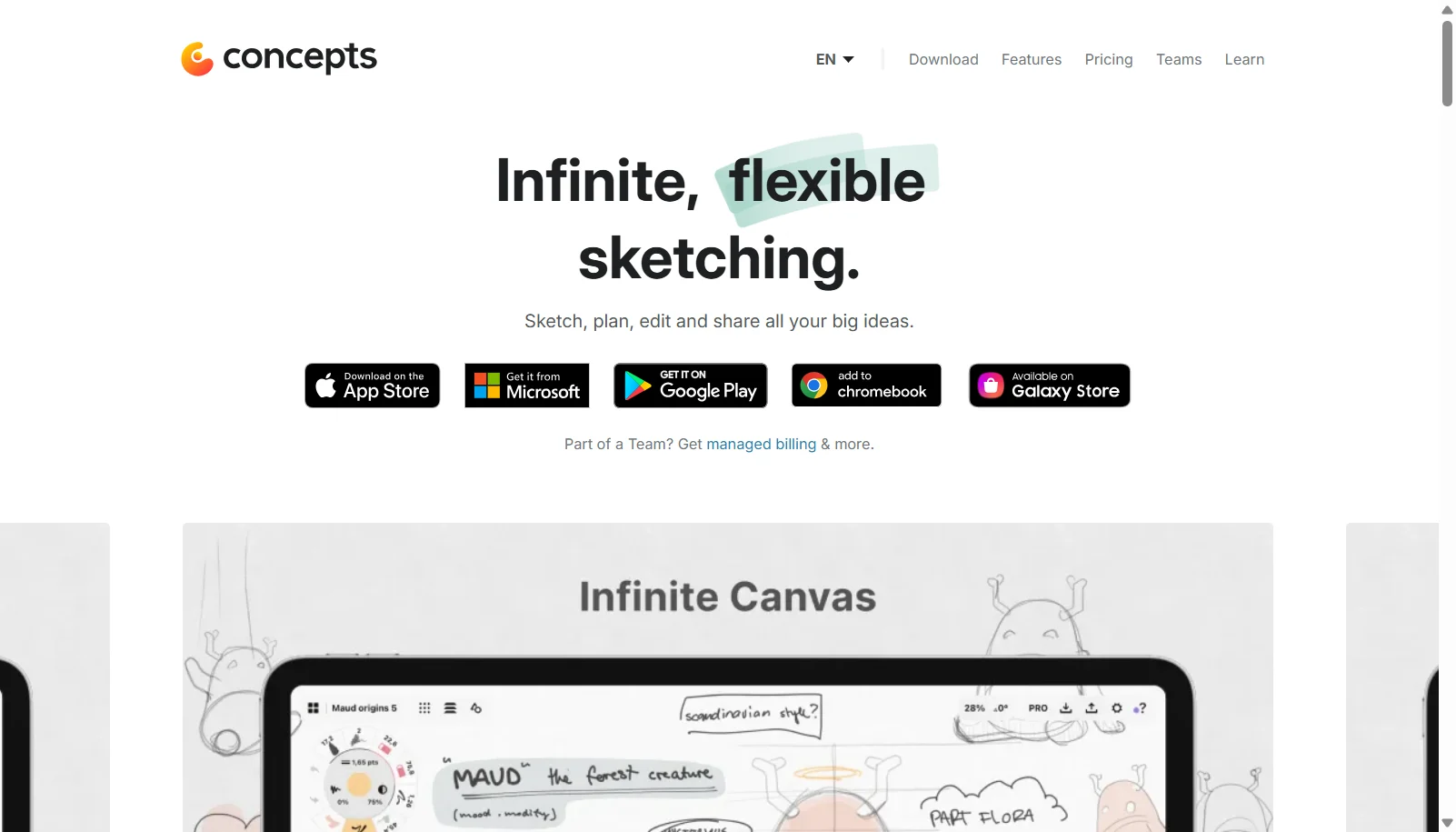
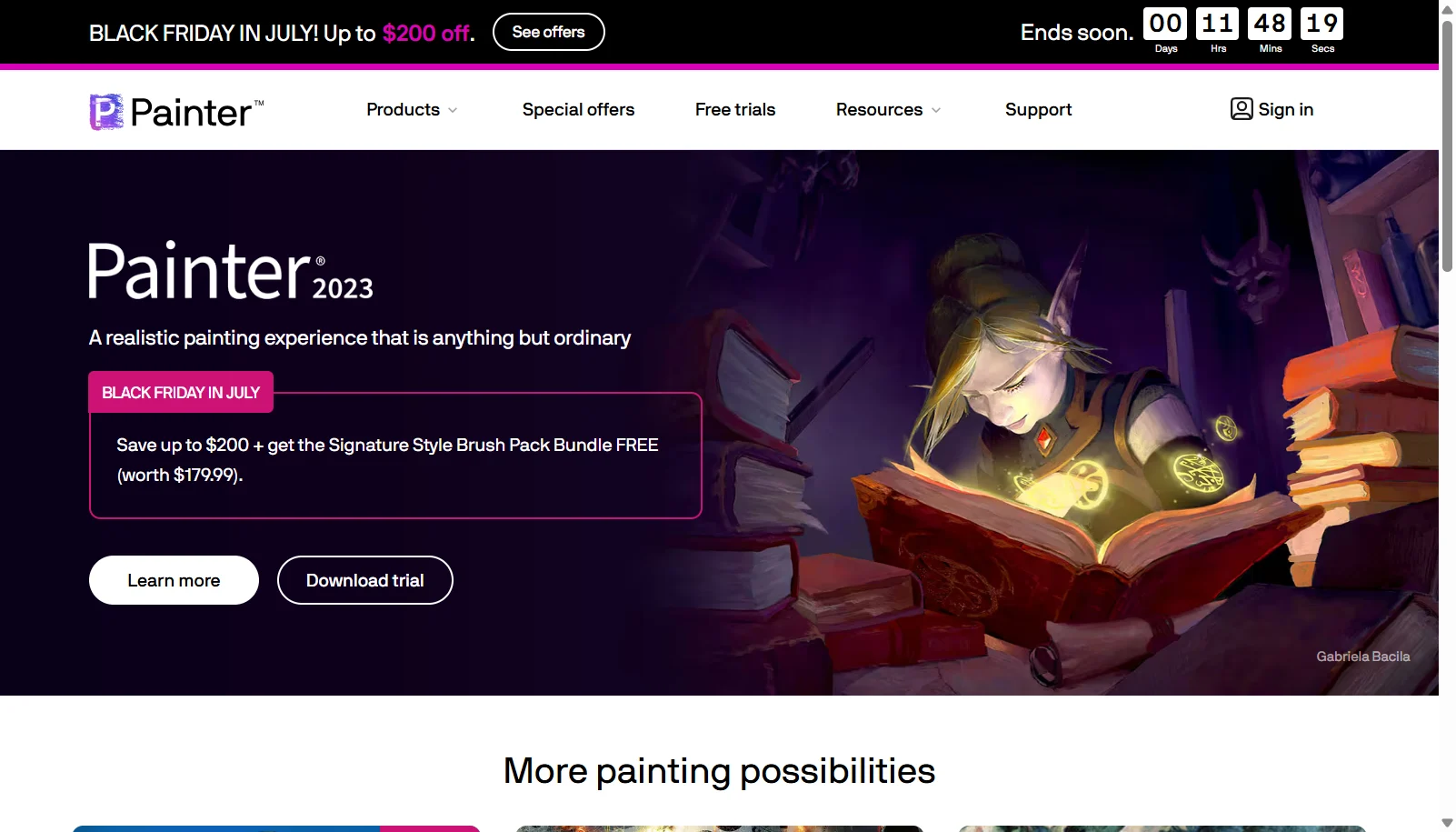
Take a look at the below screenshots and seamlessly compare the user interface of Concepts and Corel Painter for better insights.
Features
Compare between Concepts and Corel Painter on their key features and functionalities to pick the right one for your business.
- Infinite, pannable and zoomable canvas
- Every stroke is an editable, adjustable vector
- Pressure, tilt and velocity-sensitive pens, pencils and brushes
- HSL, RGB and COPIC color wheels
- Slice tool to edit or erase line segments after drawing
- Infinite layers on paid plans (5 layers on Free)
- Export to PNG, PSD, SVG, DXF and PDF
- Drag-and-drop reference images and PDFs onto canvas
- Custom brush creation
- 900+ realistic brushes including oils, watercolor, pastels and pens
- RealBristle brush technology for natural media simulation
- Particle and Pattern brush engines
- Thick Paint for 3D-like impasto brush strokes
- Photo art and cloning tools to turn photos into paintings
- Color harmony and custom palette tools
- GPU-accelerated brush performance
- Layers, masks and blend modes for compositing
Additional Details
| Details | Concepts | Corel Painter |
|---|---|---|
| Languages | English | English |
| Country | United States | Canada |
| API Available | ✖ | ✖ |
| Run On Mobile Browser | ✖ | ✖ |
| Free Plan | ✔ | ✖ |
| Customization | ✔ | ✔ |
| Support | Email, Tickets, Training | |
| Target Audience | Freelancers, SMEs, Agencies | Freelancers, SMEs, Agencies |
| Platforms | Windows | Windows, macOS |
| Subscription Plans | Yearly | Monthly |
| Deployment | hybrid | hybrid |