

Plans and Pricing
Compare pricing of Clip Studio Paint vs Compare with the following detailed pricing plan info. Clip Studio Paint comes in 2 packages: Foundation, Strength. On the other hand, Compare has not provided information about its pricing.
Screenshot
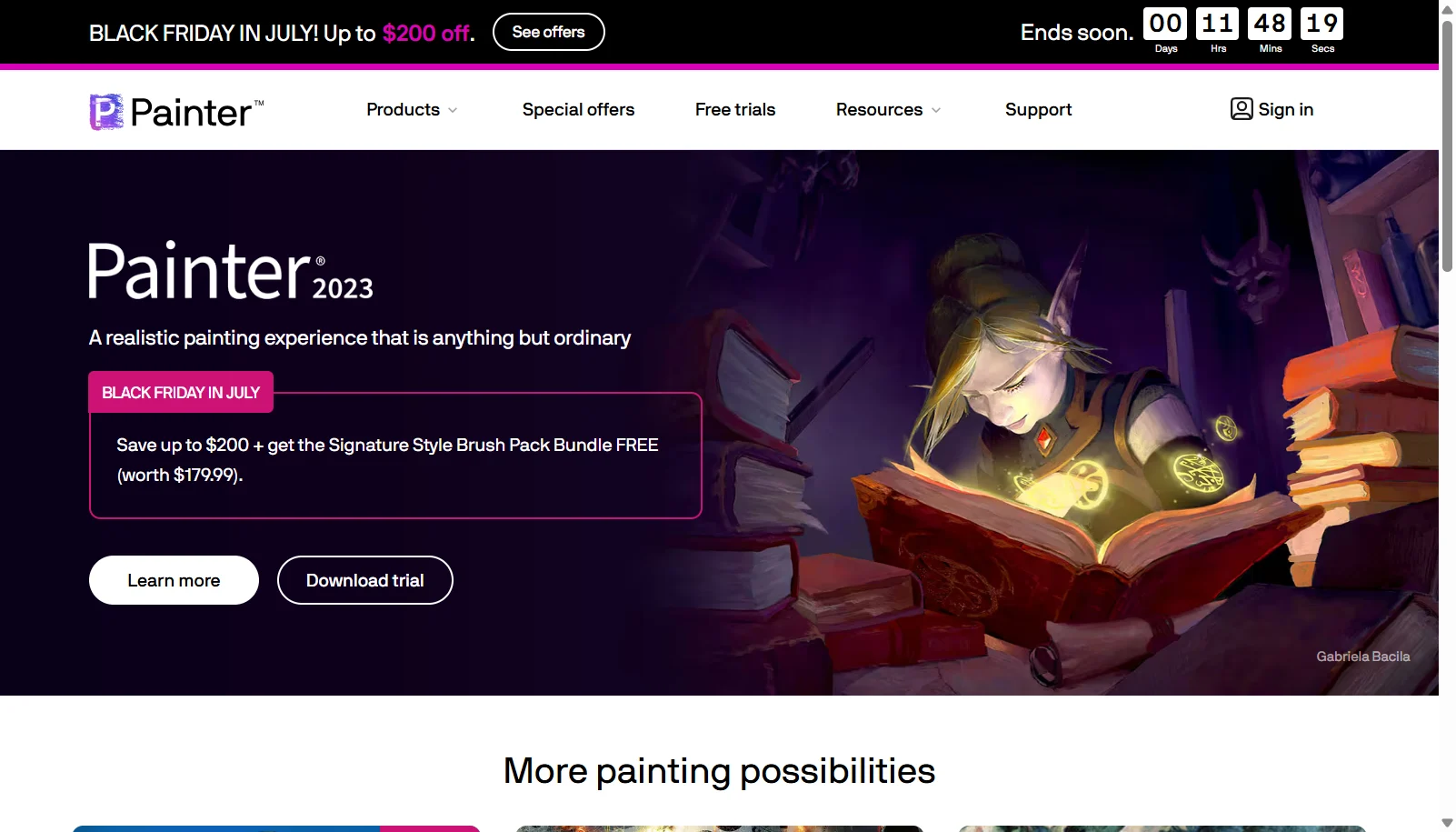
Take a look at the below screenshots and seamlessly compare the user interface of Clip Studio Paint and Corel Painter for better insights.

Features
Compare between Clip Studio Paint and Corel Painter on their key features and functionalities to pick the right one for your business.
- Vector layers that stay editable at any resolution
- Posable 3D figure and prop import for reference and backgrounds
- Comic and manga tools: panels, frames, speech balloons, screentones
- Animation timeline with onion skinning (EX version)
- Perspective rulers and symmetry rulers for precise linework
- Customizable brush engine with pressure and texture settings
- 10GB of cloud storage for cross-device project sync
- CLIP STUDIO ASSETS store for brushes, materials and 3D models
- 900+ realistic brushes including oils, watercolor, pastels and pens
- RealBristle brush technology for natural media simulation
- Particle and Pattern brush engines
- Thick Paint for 3D-like impasto brush strokes
- Photo art and cloning tools to turn photos into paintings
- Color harmony and custom palette tools
- GPU-accelerated brush performance
- Layers, masks and blend modes for compositing
Additional Details
| Details | Clip Studio Paint | Corel Painter |
|---|---|---|
| Languages | English | English |
| Country | Japan | Canada |
| API Available | ✖ | ✖ |
| Run On Mobile Browser | ✖ | ✖ |
| Free Plan | ✖ | ✖ |
| Customization | ✔ | ✔ |
| Support | Email, Tickets, Training | Email, Tickets, Training |
| Target Audience | Freelancers, SMEs, Agencies | Freelancers, SMEs, Agencies |
| Platforms | Windows, macOS | Windows, macOS |
| Subscription Plans | Monthly | Monthly |
| Deployment | hybrid | hybrid |