
Island
VerifiedEnterprise browser putting security controls inside the browser itself
 See all screenshots
 - Deployment Cloud Based, SaaS
- Starting price Not published
- Free trial Not offered
- Best for Medium Business, Large Enterprise
What is Island?
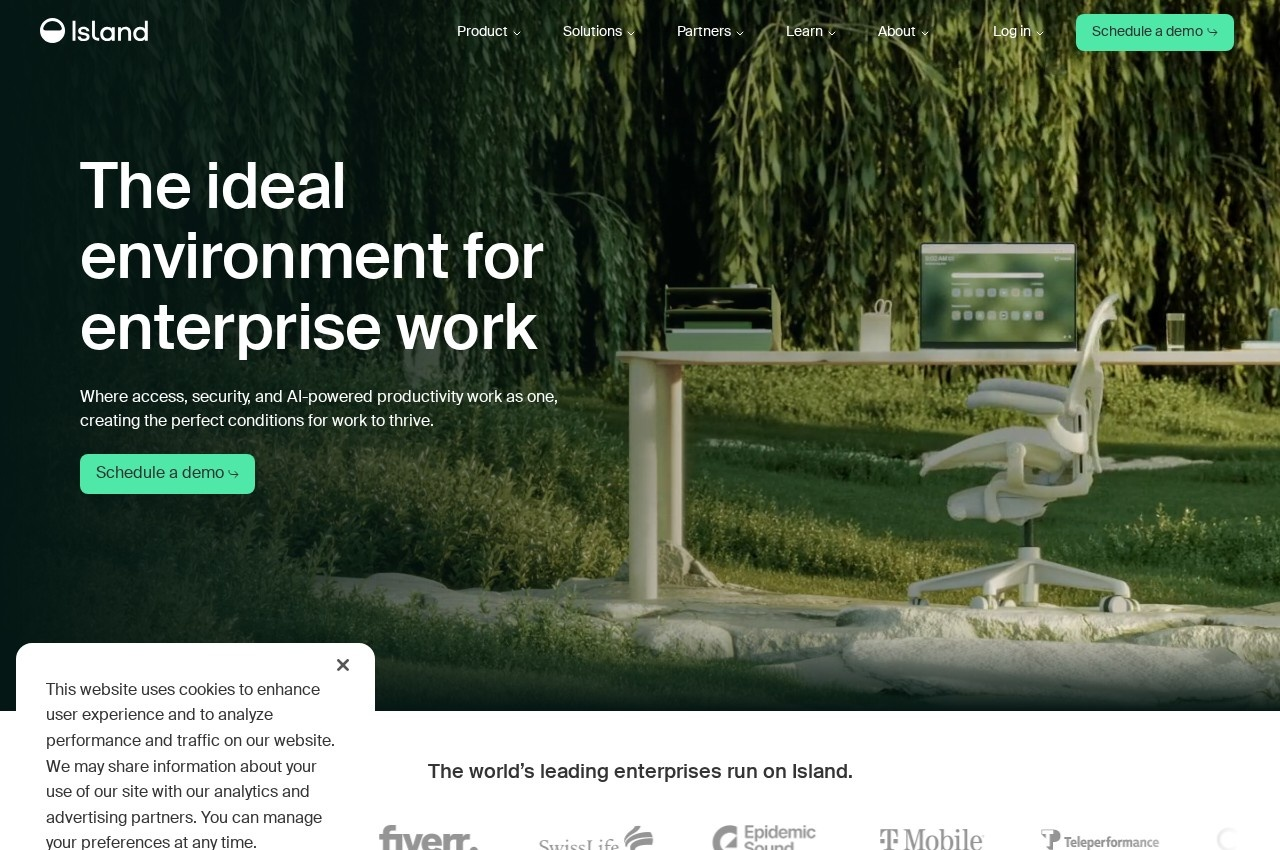
Island builds an enterprise browser intended to be the single environment in which work happens, with the security controls organisations normally bolt on placed inside the browser itself. Alongside it the company sells enterprise AI access and a network offering described as modern SASE.
Putting controls in the browser follows from where work actually moved. Nearly every business application is now a web application, so the browser is the point through which corporate data passes, yet it remains a consumer product designed for an individual rather than for an organisation. Adding an enterprise browser means copy, paste, download, screenshot and extension behaviour can be governed at the place the data is handled rather than at a network perimeter that most traffic no longer crosses.
Third party and unmanaged device access is where this earns its cost. Giving a contractor access to internal systems traditionally means shipping them a laptop or standing up virtual desktop infrastructure, both expensive and slow. A managed browser on their own machine provides the control without the hardware.
Bundling enterprise AI access reflects the current concern, since staff use AI tools whether or not the organisation sanctions them, and the browser is the natural place to see and govern that usage.
Key Features of Island
- Chromium based enterprise browser
- Copy, paste and download controls
- Screenshot and screen capture restrictions
- Extension governance
- Access for unmanaged and contractor devices
- Alternative to virtual desktop infrastructure
- Enterprise AI access controls
- Data loss prevention inside the browser
- Session logging and audit
- Modern SASE network offering
Island Pricing
Not published
Not published
No rate is published. Island quotes on seat count and products taken.
Island Specifications
- Deployment
- Cloud Based
- SaaS
- Desktop
- Windows
- macOS
- Linux
- Mobile
- iOS
- Android
- Built for
- Medium Business
- Large Enterprise
- Support
- Phone
- Knowledge Base
- Public API
- Yes
- Free trial
- No
- Free plan
- No
- Runs in browser
- No
- Customisable
- No
- Website
- island.io
Island Screenshots
Island Comparisons

Island Reviews
No reviews yet
Used Island? Share your experience and help other buyers decide.