

StaffPad
VerifiedHandwriting-based music composition for pen and touch, recognising notation as you write it
 See all screenshots
 - Deployment On Premise
- Starting price Published on platform stores
- Free trial Not offered
- Best for Freelancers, Small Business
What is StaffPad?
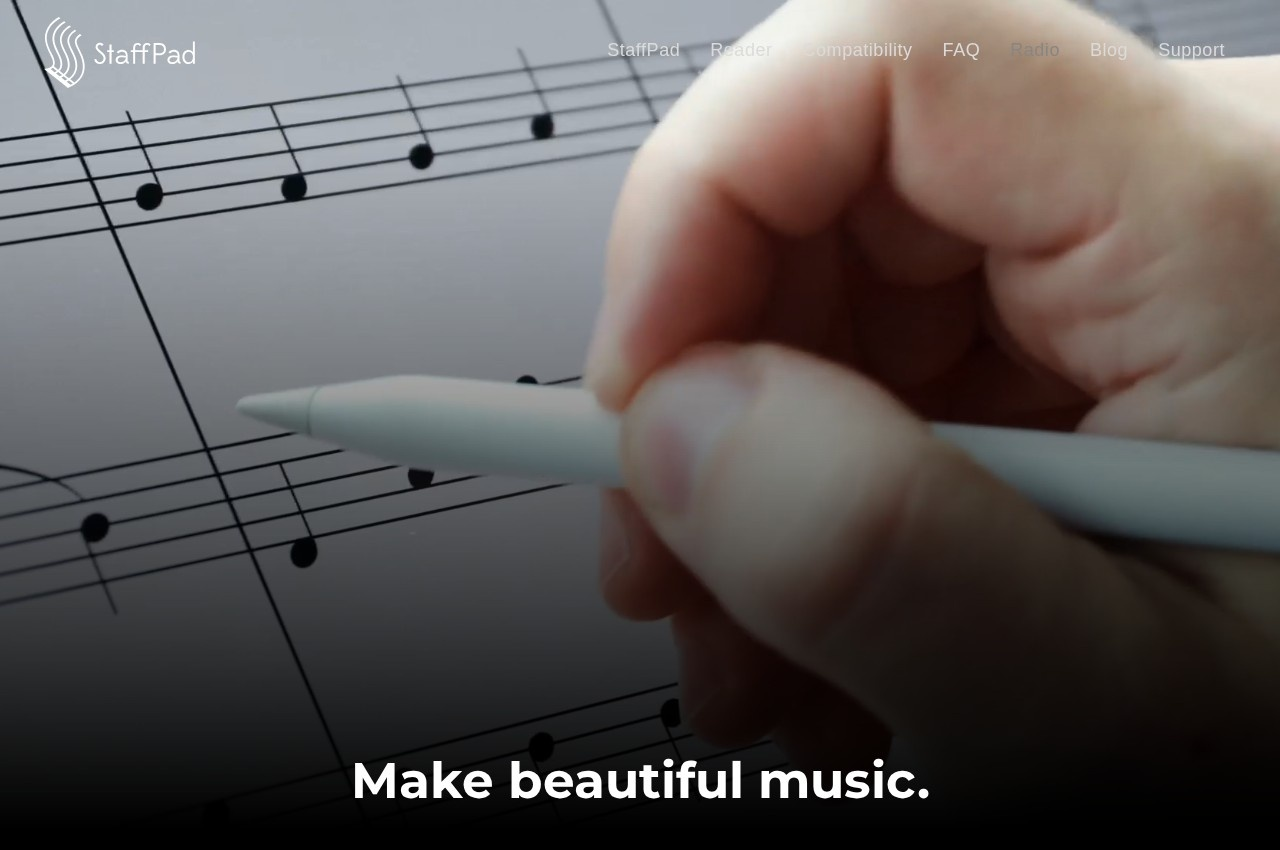
StaffPad is a music composition application designed for pen and touch, letting a composer write notation in their own handwriting and having it recognised and typeset, with audio recording and import alongside.
Handwriting recognition is the entire proposition and it addresses something specific about how composers work. Notation software conventionally requires music to be entered through a mouse and keyboard, or played in on a MIDI keyboard, and both interpose a translation step between the musical thought and the page. A composer who has spent decades writing music with a pencil is fluent in that gesture, and switching to clicking note values onto a staff is not merely different, it is slower and it interrupts the thought.
StaffPad removes that translation. The composer writes as they always have, and the software converts the handwriting to engraved notation, which then plays back and can be exported as parts.
The trade-off is honest and worth stating: handwriting recognition is imperfect, and correcting a misread accidental or a rhythm the software has guessed wrongly is its own kind of friction. Whether it is less friction than mouse entry depends heavily on the individual, which makes this a product to try rather than to evaluate on description.
Audio recording and import alongside notation reflects how composition now works, particularly for media composers who sketch against picture and need audio and notation in the same document.
StaffPad Reader is published separately, which suggests scores can be distributed to performers without every player needing the full application.
Pricing is not published as plan figures on the captured page.
Key Features of StaffPad
- Handwritten music notation entry
- Handwriting recognition to engraved notation
- Pen and touch input design
- Audio recording alongside notation
- Audio import
- Score playback
- Part extraction
- StaffPad Reader for performers
- Composition sketching against audio
- Score export
StaffPad Pricing
Application purchase
Published on platform stores
No plan figure is published on the captured page. Sold as an application through platform stores rather than as a subscription.
StaffPad Specifications
- Deployment
- On Premise
- Desktop
- Windows
- Mobile
- iOS
- Built for
- Freelancers
- Small Business
- Support
- Public API
- No
- Free trial
- No
- Free plan
- No
- Runs in browser
- No
- Customisable
- No
- Website
- staffpad.net
StaffPad Videos
StaffPad Screenshots
StaffPad Comparisons


StaffPad Reviews
No reviews yet
Used StaffPad? Share your experience and help other buyers decide.
StaffPad FAQs
Alternatives to StaffPad
Other Music Notation Software recorded on the same fields.