Microsoft Azure Translator
VerifiedTranslation across 100+ languages combining neural MT with GPT-4o for tone and style control
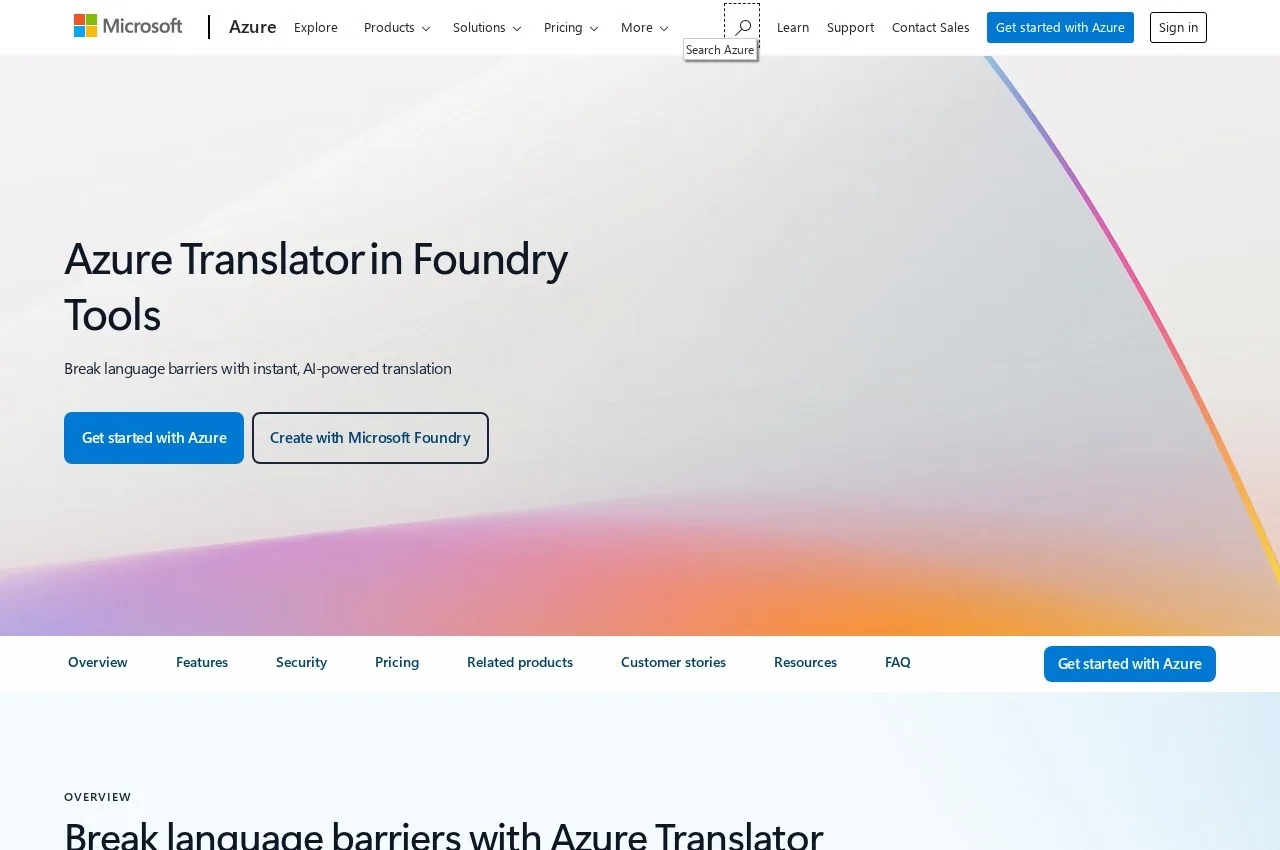 See all screenshots
 - Deployment Cloud Based
- Starting price Usage based
- Free trial Available
- Best for Freelancers, Small Business, Medium Business
What is Microsoft Azure Translator?
Azure Translator translates text and documents instantly or in batches across more than 100 languages, delivered through a single API that also handles source language detection. Detection matters more than it appears in real deployments: user-generated content, support tickets and inbound messages rarely arrive labelled, so a translation pipeline that requires the source language to be specified fails at the first step.
The most interesting capability is the hybrid approach to models. Alongside neural machine translation, Microsoft offers flexible translation using foundation models such as GPT-4o for tone, gender and style customisation. Gender is a genuinely difficult problem in machine translation, since many languages mark gender where English does not, and a system guessing wrongly produces output that is fluent and incorrect in a way that is embarrassing rather than merely inaccurate. Being able to control it explicitly is a real capability rather than a refinement.
Customisation covers domain-specific terminology, letting an organisation define how terms are translated based on previously translated documents and build customised translation models without machine learning expertise. That last clause is the commercially relevant part: model customisation is usually gated behind data science capability most organisations do not have.
The agentic use cases named are specific and current: translation for call centres, multilingual conversational agents and in-app communication. Real-time translation inside a support conversation is a different engineering problem from translating documents, so naming those separately reflects genuine capability rather than positioning.
It is delivered within Microsoft Foundry Tools as a production-ready, scalable engine. Pricing follows Azure consumption based on characters translated.
Key Features of Microsoft Azure Translator
- Translation across more than 100 languages
- Text and document translation, instant or batch
- Automatic source language detection
- Single API for enterprise and agentic applications
- Neural machine translation engine
- Foundation model translation using GPT-4o
- Tone, gender and style customisation
- Domain-specific terminology control
- Custom translation models without ML expertise
- Terminology learned from previously translated documents
- Call centre and conversational agent translation
- Delivered within Microsoft Foundry Tools
Microsoft Azure Translator Pricing
Usage based
Usage based
Charged on characters translated within Azure billing. Check the Azure AI services rate card for current tiers and any free allowance.
Microsoft Azure Translator Specifications
- Deployment
- Cloud Based
- Desktop
- Web App
- Built for
- Freelancers
- Small Business
- Medium Business
- Large Enterprise
- Support
- Phone
- Public API
- Yes
- Free trial
- Yes
- Free plan
- No
- Runs in browser
- No
- Customisable
- No
- Website
- azure.microsoft.com
Microsoft Azure Translator Screenshots
Microsoft Azure Translator Comparisons


Microsoft Azure Translator Reviews
No reviews yet
Used Microsoft Azure Translator? Share your experience and help other buyers decide.
Microsoft Azure Translator FAQs
Alternatives to Microsoft Azure Translator
Other Machine Translation Software recorded on the same fields.