Camtasia
VerifiedDesktop screen recorder and video editor for tutorials and training
 See all screenshots
 - Deployment On Premises
- Starting price $39/year
- Free trial Available
- Best for Freelancers, SMEs, Agencies
What is Camtasia?
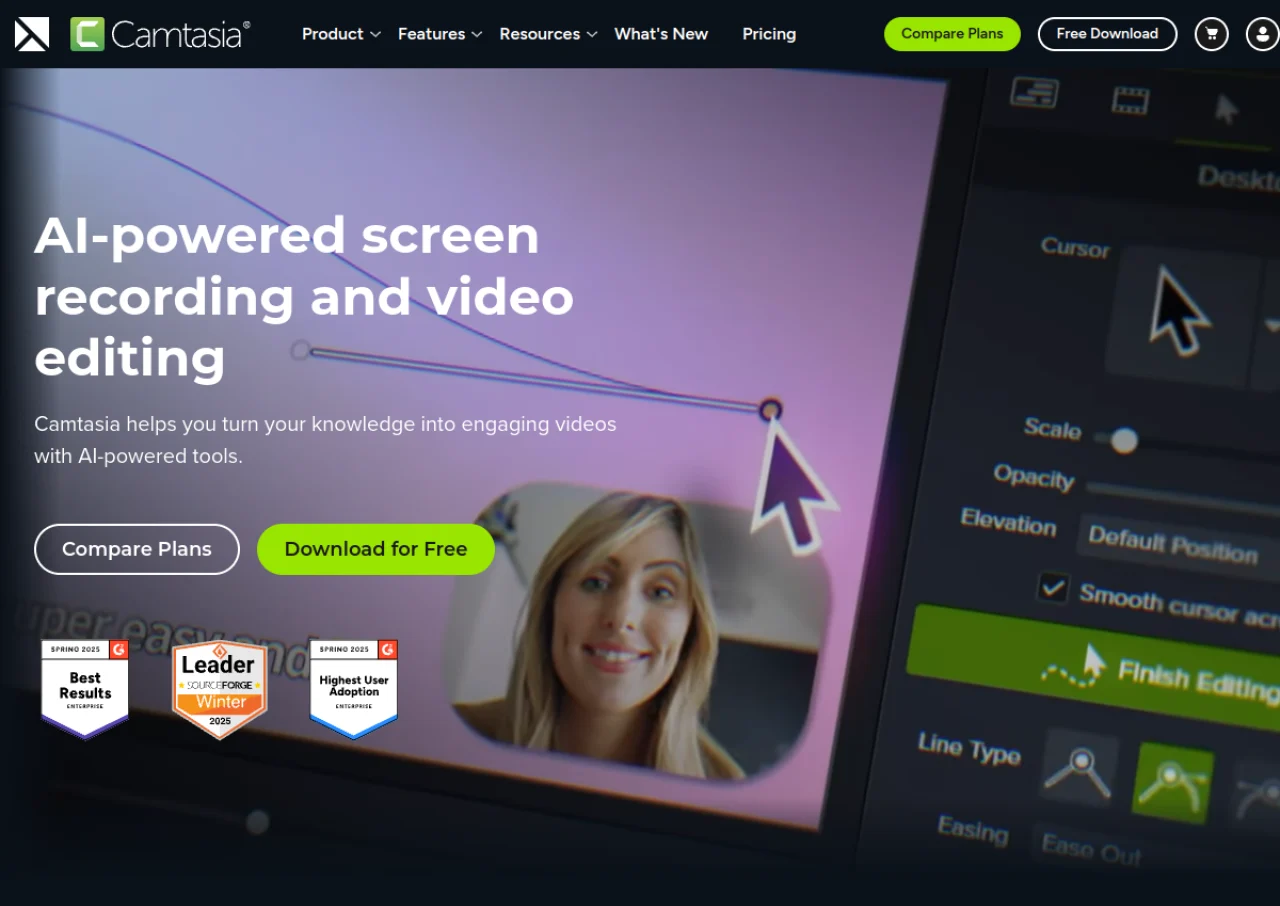
Camtasia is screen recording and video editing software from TechSmith, widely used to create tutorials, training videos, and product demos. It records screen, camera, system audio, and microphone on separate tracks in up to 4K, and its multi-track timeline supports trimming, transitions, callouts, captions, green screen effects, and text-based audio editing powered by automatic transcription.
Newer versions add AI-assisted tools such as voiceover generation, audio cleanup, and AI avatars on higher tiers, along with interactive quizzes and hotspots for engaging viewers. Camtasia is available for Windows and macOS and moved to an annual subscription model in place of its older one-time license. Exact current pricing could not be confirmed directly on techsmith.com during this research, since the official site was unreachable, so figures below come from third-party pricing trackers and should be verified on TechSmith's own store page.
Key Features of Camtasia
Camtasia lists 8 documented features, including Multi-track screen, webcam, and audio recording up to 4K, Multi-track timeline video editor with trimming and transitions and Text-based audio editing with automatic transcription. The list below covers what the product does rather than how it is marketed.
- Multi-track screen, webcam, and audio recording up to 4K
- Multi-track timeline video editor with trimming and transitions
- Text-based audio editing with automatic transcription
- Cursor effects, annotations, callouts, and green screen tools
- Interactive quizzes and hotspots embedded in videos
- AI-assisted voiceover generation and audio cleanup on higher tiers
- Customizable themes and templates for consistent branding
- Direct export and upload to YouTube, Vimeo, and Screencast
Camtasia Pricing
Camtasia lists 4 plans, from $39 to $599.
Starter
$39/year
Entry-level plan; pricing per third-party trackers, not independently confirmed on techsmith.com
Essentials
$179.88/year
Adds full video editing, screen and camera recording, speech-to-text transcription
Pro
$599/year
Adds collaboration tools, AI avatars, translated captions, and 100M+ premium assets
Camtasia Specifications
Camtasia is available on Windows and macOS. It has a free trial.
- Deployment
- On Premises
- Billing cycle
- Yearly
- Desktop
- Windows
- macOS
- Languages
- English
- Built for
- Freelancers
- SMEs
- Agencies
- Enterprises
- Support
- Tickets
- Training
- Integrations
- YouTube, Vimeo, Screencast, PowerPoint recording, SCORM export via add-ons
- Public API
- No
- Free trial
- Yes
- Free plan
- No
- Runs in browser
- No
- Customisable
- Yes
- Website
- techsmith.com
Camtasia Videos
Camtasia Screenshots
Camtasia Comparisons



Used Camtasia? Write the first review.
Camtasia FAQs
Alternatives to Camtasia
Other ELearning Software recorded on the same fields.