
VanceAI Image Upscaler
VerifiedAI-powered online tool to upscale images up to 40x with specialized models for photos, illustrations, and anime
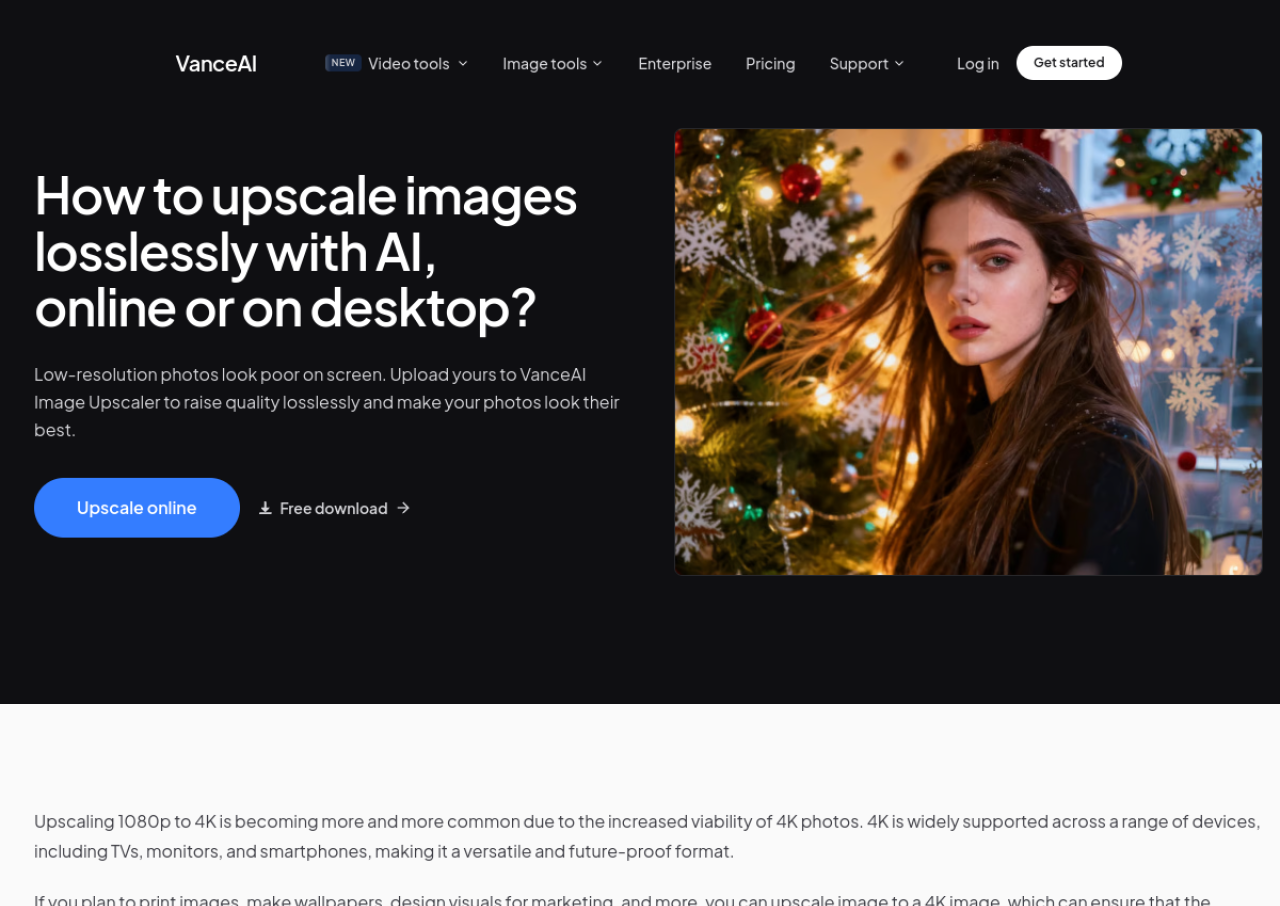 See all screenshots
 - Deployment Cloud Based
- Starting price $9
- Free trial Not offered
- Best for Freelancers, SMEs, Agencies
What is VanceAI Image Upscaler?
VanceAI Image Upscaler is a web-based AI image enlargement tool that increases image resolution by 2x, 4x, or 8x (up to 40x combined with other tools) while aiming to preserve detail and sharpness. It uses Generative Adversarial Network (GAN) based models trained on large photo datasets, with specialized processing for portraits, landscapes, anime, illustrations, and text so edges and textures are reconstructed rather than simply stretched. The tool runs in any browser for single images and is also available as a Windows/Mac desktop app for batch processing of large volumes without file size limits.
Beyond upscaling, VanceAI's platform bundles related image tools such as denoising, sharpening, background removal, and photo restoration under the same credit system, so a subscription unlocks the wider suite rather than the upscaler alone. Pricing is credit-based with monthly or annual subscription tiers plus a pay-as-you-go option, and non-subscribers get a small number of free monthly credits to try the service. Paid plans remove watermarks, raise the upload size limit to 10MB/34MP, and add background processing and priority support.
Key Features of VanceAI Image Upscaler
VanceAI Image Upscaler lists 8 documented features, including Upscale images 2x, 4x, or 8x per operation (up to 40x combined with repeated passes), Specialized AI models auto-applied for photos, illustrations, anime, and text and GAN-based upscaling trained on large photo datasets for detail reconstruction. The list below covers what the product does rather than how it is marketed.
- Upscale images 2x, 4x, or 8x per operation (up to 40x combined with repeated passes)
- Specialized AI models auto-applied for photos, illustrations, anime, and text
- GAN-based upscaling trained on large photo datasets for detail reconstruction
- Batch/folder processing available via VanceAI for PC (Windows/Mac desktop app)
- No practical file size limit on desktop app; web app supports up to 10MB/34MP on paid plans
- Credits shared across VanceAI's Image and Video workspaces (denoiser, sharpener, background remover, restorer, colorizer, etc.)
- Background processing so uploads keep processing after closing the browser tab
- Uploaded images encrypted in transit and deleted within 24 hours
VanceAI Image Upscaler Pricing
VanceAI Image Upscaler lists 4 plans, from $9 to $42.
500 credits / mo
$17
/ mo
Most popular monthly credit plan at about $0.034 per credit.
1,000 credits / mo
$26
/ mo
Monthly credit plan at about $0.026 per credit; the extractor flagged this figure but the context shows it is one of the monthly plan tiers.
2,000 credits / mo
$42
/ mo
Best value monthly credit plan at about $0.021 per credit, with a 7 day money back guarantee; the extractor flagged this figure but the context shows it is one of the monthly plan tiers.
VanceAI Image Upscaler Specifications
VanceAI Image Upscaler is available on web app, Windows and macOS. It offers an API and has a free plan.
- Deployment
- Cloud Based
- Billing cycle
- Monthly
- Desktop
- Web App
- Windows
- macOS
- Languages
- English
- Built for
- Freelancers
- SMEs
- Agencies
- Support
- Live Support
- Integrations
- API access available as a separate paid plan for developers; no listed third-party app integrations (e.g. Zapier, Photoshop plugin) confirmed on the official site.
- Public API
- Yes
- Free trial
- No
- Free plan
- Yes
- Runs in browser
- Yes
- Customisable
- No
- Website
- vanceai.com
VanceAI Image Upscaler Videos
VanceAI Image Upscaler Screenshots
VanceAI Image Upscaler Comparisons
Side by side comparisons of VanceAI Image Upscaler against 3 other AI Image Upscaler Tools options listed here.



VanceAI Image Upscaler Reviews
No reviews yet
Used VanceAI Image Upscaler? Share your experience and help other buyers decide.
VanceAI Image Upscaler FAQs
Alternatives to VanceAI Image Upscaler
Other AI Image Upscaler Tools recorded on the same fields.