Synthesia AI
VerifiedAll-in-one AI video platform for business
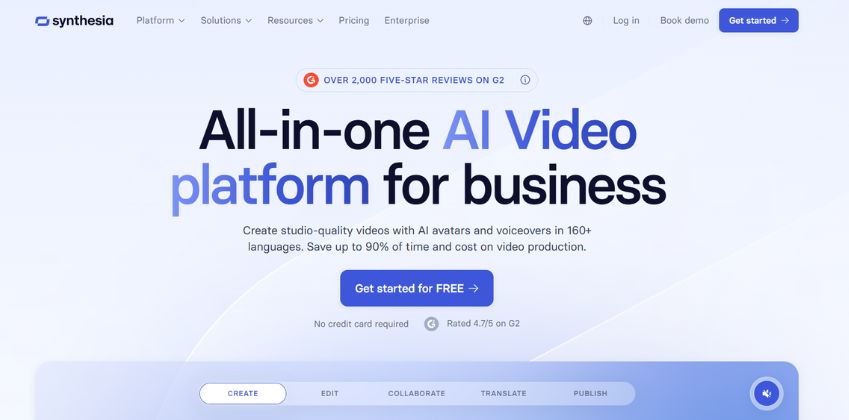 See all screenshots
 - Deployment Cloud Based
- Starting price Free
- Free trial Available
- Best for Freelancers, Startups, SMEs
What is Synthesia AI?
Synthesia AI is an all-in-one AI video platform built for businesses that want to create professional videos quickly without cameras, microphones, actors, or editing software. It lets teams generate studio-quality videos using AI avatars, natural-sounding voiceovers, and multilingual support, making it especially valuable for learning and development, sales enablement, marketing, HR, IT, and internal communications. With Synthesia AI, users can turn scripts, documents, links, and even screen recordings into polished videos in minutes. The platform also supports localization, brand consistency, collaboration, analytics, SCORM export, and enterprise-grade security, helping organizations scale video production across departments and regions. Whether you need training videos, product explainers, compliance content, or multilingual corporate communications, Synthesia AI reduces production time and cost while keeping quality high. Its ease of use and business-focused workflow make it a strong choice for both individual creators and large enterprises looking to modernize video creation at scale.
Key Features of Synthesia AI
Synthesia AI lists 7 documented features, including AI Video Creation, AI Avatars and Voices and Localization and Translation. The list below covers what the product does rather than how it is marketed.
- AI Video Creation
- AI Avatars and Voices
- Localization and Translation
- Brand and Workflow Management
- Publishing and Analytics
- AI Screen Recording
- Enterprise Security
Synthesia AI Pricing
Synthesia AI publishes 4 plans, starting at ₹0 on the Basic Plan tier. Figures are taken from the vendor's own pricing page.
Starter
$29
per month
Billed monthly; the same plan is $18 per month billed yearly, and the monthly figure is used here.
Synthesia AI Specifications
Synthesia AI is available on web app and has macOS apps. It offers an API, has a free trial and has a free plan.
- Deployment
- Cloud Based
- Billing cycle
- Yearly
- Desktop
- Web App
- Mobile
- macOS
- Languages
- English
- Built for
- Freelancers
- Startups
- SMEs
- Agencies
- Enterprises
- Support
- Training
- Tickets
- Integrations
- LMS/SCORM, PowerPoint, Articulate 360, enterprise workflows, API integrations
- Public API
- Yes
- Free trial
- Yes
- Free plan
- Yes
- Runs in browser
- Yes
- Customisable
- Yes
- Website
- synthesia.io
Synthesia AI Videos
Synthesia AI Screenshots
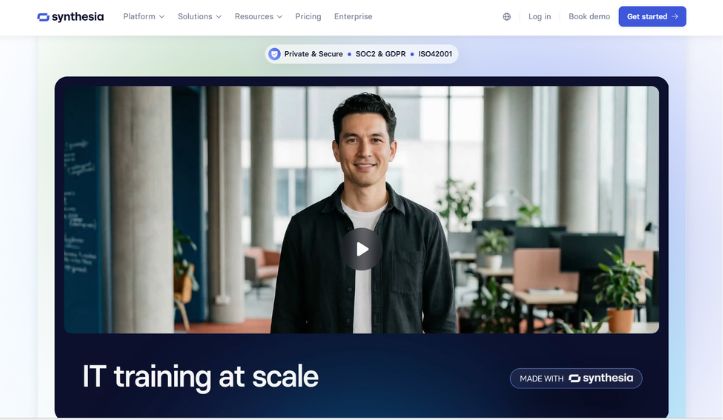
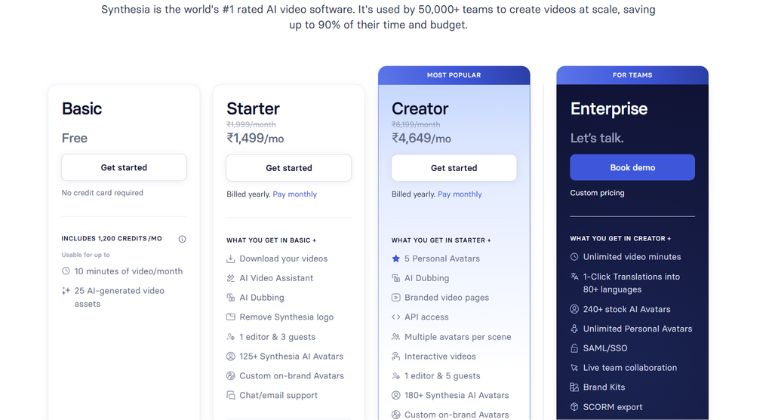
Synthesia AI Comparisons
Side by side comparisons of Synthesia AI against 3 other AI Avatar Generators options listed here.
Synthesia AI Reviews
No reviews yet
Used Synthesia AI? Share your experience and help other buyers decide.
Synthesia AI FAQs
Alternatives to Synthesia AI
Other AI Avatar Generators recorded on the same fields.