Canvas (Instructure)
VerifiedCloud based LMS used by schools, districts, and universities worldwide
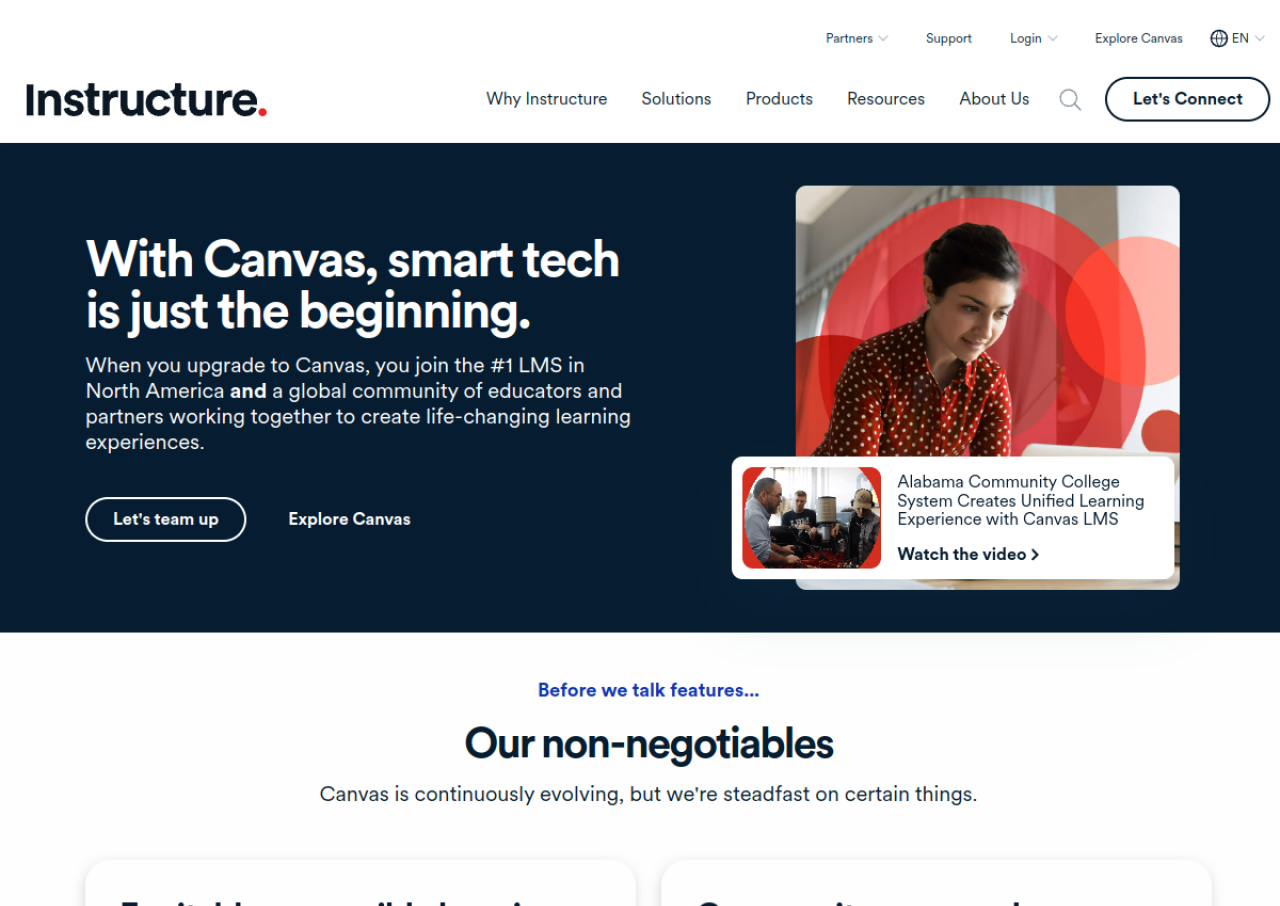 See all screenshots
 - Deployment Cloud Based, On Premises
- Starting price Custom
- Free trial Not offered
- Best for SMEs, Enterprises
What is Canvas (Instructure)?
Canvas by Instructure is a cloud based learning management system used by K-12 schools, higher education institutions, and businesses to run online, hybrid, and in-person courses. It centralizes course content, assignments, grading, and communication between teachers and students, and includes tools such as SpeedGrader, Canvas Studio for interactive video, Mastery Paths for personalized learning, and a Block Editor for building course pages without coding.
Canvas is sold under an institutional licensing model priced by enrollment size, with published tiers called Canvas Core and Canvas Plus; exact prices are not public and require a sales quote. An open source version of Canvas remains free for institutions willing to self-host and maintain it.
Key Features of Canvas (Instructure)
Canvas (Instructure) lists 10 documented features, including SpeedGrader for fast assignment grading, Canvas Studio interactive video tool and Mastery Paths for personalized learning. The list below covers what the product does rather than how it is marketed.
- SpeedGrader for fast assignment grading
- Canvas Studio interactive video tool
- Mastery Paths for personalized learning
- Block Editor for no-code course page design
- Customizable, standards-based gradebook
- Message Students Who targeted communication
- Built-in accessibility checker and auto-captioning
- Blueprint courses for curriculum scaling across sections
- REST API and 1000+ LTI integrations
- Free Student, Teacher, and Parent mobile apps
Canvas (Instructure) Pricing
Canvas (Instructure) lists 3 plans. One is free; the rest are quoted on request.
Canvas Core
Custom
Institutional licensing based on FTE enrollment; foundational LMS functionality and essential AI features. Quote required from sales.
Canvas Plus
Custom
Expanded engagement tools, advanced analytics, and additional AI features for teaching and feedback workflows. Quote required from sales.
Canvas Open Source (self-hosted)
Free
Open source version of Canvas LMS, free to self-host but requires the institution’s own infrastructure and technical maintenance.
Canvas (Instructure) Specifications
Canvas (Instructure) is available on web app and has iOS and Android apps. It offers an API and has a free plan.
- Deployment
- Cloud Based
- On Premises
- Billing cycle
- Yearly
- Desktop
- Web App
- Mobile
- iOS
- Android
- Languages
- English
- Built for
- SMEs
- Enterprises
- Support
- Phone
- Training
- Tickets
- Integrations
- Google Workspace, Microsoft 365, Zoom, Turnitin, Canvas Studio, 1000+ LTI-compatible tools
- Public API
- Yes
- Free trial
- No
- Free plan
- Yes
- Runs in browser
- Yes
- Customisable
- Yes
- Website
- instructure.com
Canvas (Instructure) Videos
Canvas (Instructure) Screenshots
Canvas (Instructure) Comparisons


Canvas (Instructure) Reviews
No reviews yet
Used Canvas (Instructure)? Share your experience and help other buyers decide.
Canvas (Instructure) FAQs
Alternatives to Canvas (Instructure)
Other Education software recorded on the same fields.