

Plans and Pricing
Compare pricing of Quantilope vs Compare with the following detailed pricing plan info. Quantilope comes in 2 packages: Foundation, Strength. On the other hand, Compare has not provided information about its pricing.
Screenshot
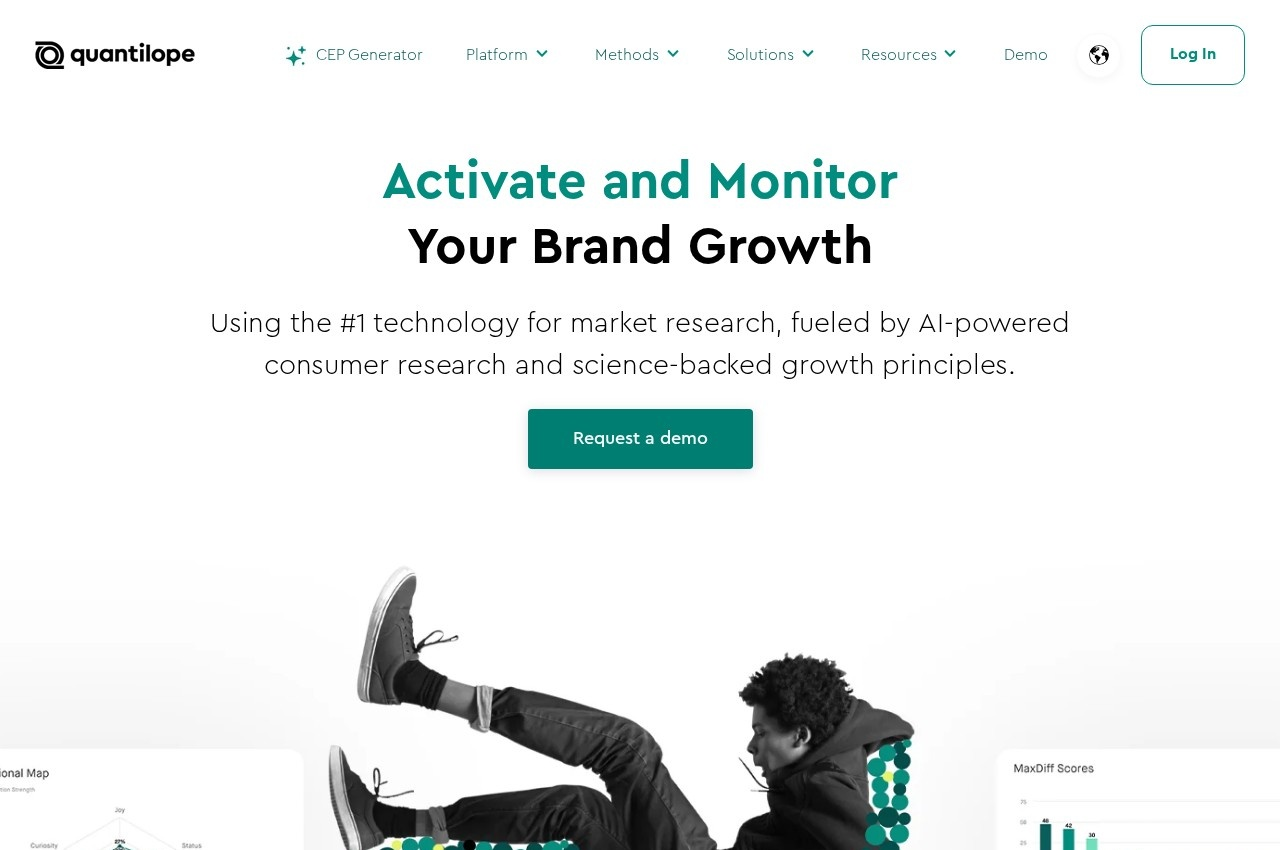
Take a look at the below screenshots and seamlessly compare the user interface of Quantilope and SurveyMonkey for better insights.

Features
Compare between Quantilope and SurveyMonkey on their key features and functionalities to pick the right one for your business.
- Sixteen automated research methods
- Conjoint and MaxDiff analysis
- Price sensitivity meter studies
- TURF and segmentation analysis
- Implicit association testing
- Panel of over 300 million consumers
- Results within a second of response
- Brand and ad tracking programmes
- quinn AI research assistant
- Category entry point generator
- English and German interface
- Shelf and packaging optimisation
- AI-powered survey creation and question recommendations
- 500+ survey templates with skip and advanced logic
- 100+ app integrations including Salesforce, HubSpot, and Zapier
- Team collaboration with shared brand assets and user roles
- White-label branding and multilingual surveys (higher tiers)
- Data export to CSV, PDF, PPT, and XLS
- SurveyMonkey Audience panel for targeted respondent sourcing
- Enterprise SSO, governance, and dedicated data center options
Additional Details
| Details | Quantilope | SurveyMonkey |
|---|---|---|
| Languages | - | english |
| Country | - | United States |
| API Available | ✔ | ✔ |
| Run On Mobile Browser | ✖ | ✔ |
| Free Plan | ✖ | ✔ |
| Customization | ✖ | ✔ |
| Support | Email, Phone, Live Support, Tickets | |
| Target Audience | Medium Business, Large Enterprise | freelancers, startups, smes, agencies, enterprises |
| Platforms | Web App | web app |
| Subscription Plans | - | Monthly |
| Deployment | Cloud Based, SaaS | cloud based |