
Edpuzzle
VerifiedTurn any video into an interactive lesson with embedded questions, notes, and analytics
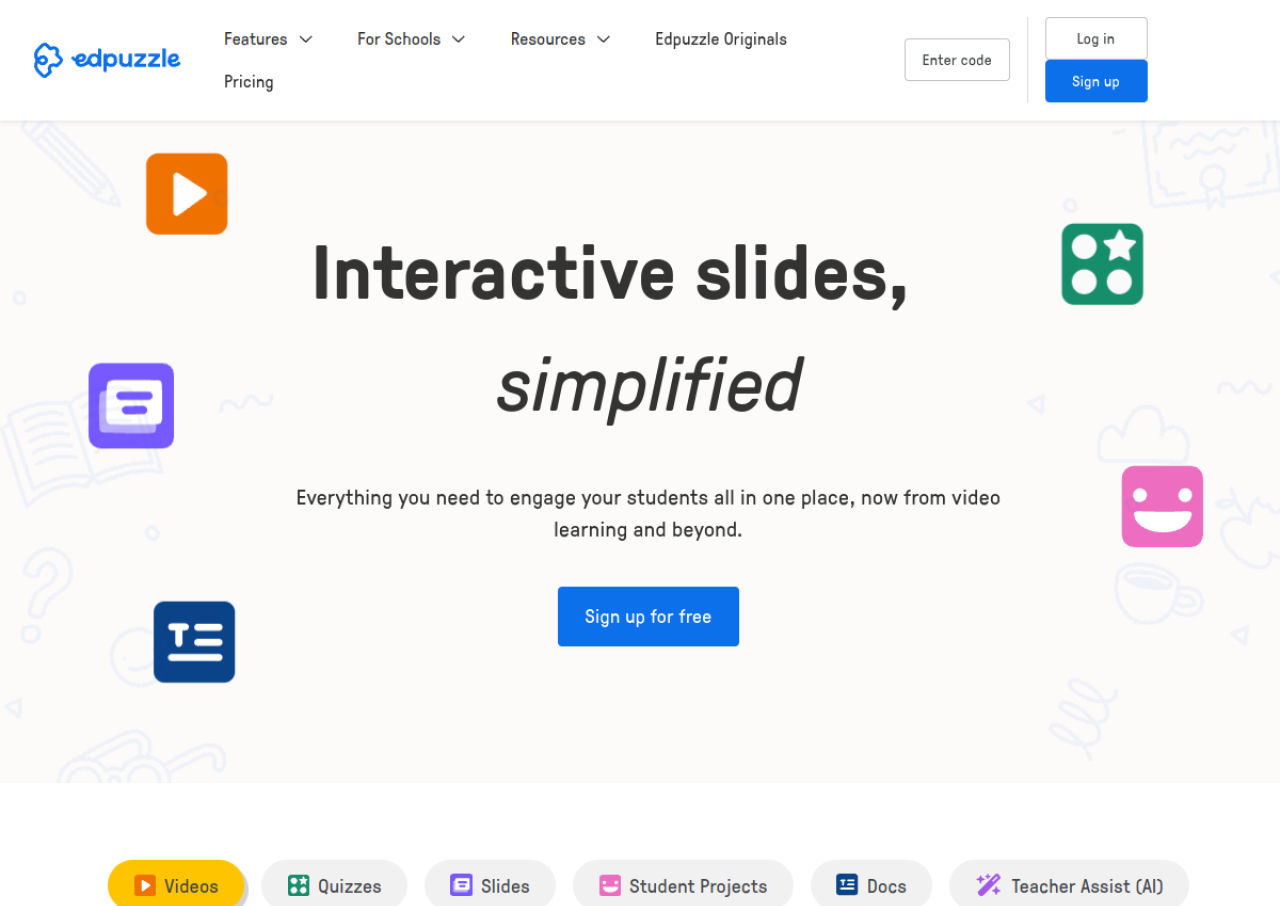 See all screenshots
 - Deployment Cloud Based
- Starting price Free
- Free trial Not offered
- Best for Freelancers, SMEs, Enterprises
What is Edpuzzle?
Edpuzzle lets teachers turn existing videos, from sources like YouTube, Vimeo, TED, and National Geographic, into interactive lessons by embedding multiple choice or open ended questions, audio notes, and comments at any point in the timeline. A Prevent Skipping setting stops students from skipping past unanswered questions, and Live Mode lets a teacher project a synced video to the whole class with student responses appearing in real time.
Teachers get analytics on who watched, how much of the video they watched, and how they answered each question, which helps target follow up instruction. Edpuzzle integrates with Google Classroom, Canvas, Schoology, and other major platforms, and newer AI features can auto generate questions from a video transcript. A free Basic plan covers a limited number of saved activities, with paid Pro plans removing that limit.
Key Features of Edpuzzle
Edpuzzle lists 8 documented features, including Embed multiple choice and open ended questions into any video, Voice over comments and audio notes on video content and Prevent Skipping stops students bypassing unanswered questions. The list below covers what the product does rather than how it is marketed.
- Embed multiple choice and open ended questions into any video
- Voice over comments and audio notes on video content
- Prevent Skipping stops students bypassing unanswered questions
- Live Mode projects a synced video with real time student responses
- Student watch time and per question analytics
- AI generated questions from video transcripts
- Supports YouTube, Vimeo, TED, National Geographic and uploaded video
- LMS integrations with Google Classroom, Canvas, Schoology, Moodle, Blackboard
Edpuzzle Pricing
Edpuzzle lists 3 plans. Two carry a published figure, from Free to $15; the rest are quoted on request.
Basic
Free
Up to 20 saved activities
Referrals that create and verify an account raise the activity limit by 3 for both parties
Pro Teacher
$15/month (approx, billed annually)
Individual teacher
Unlimited saved activities; exact current price could not be confirmed on the official pricing page, which returned no content on fetch
Pro School
Custom
School or district wide
All teachers get unlimited activities and Supported Assignments, plus curated PD curriculum, standards aligned content packs, and dedicated support
Edpuzzle Specifications
Edpuzzle is available on web app and has iOS and Android apps. It has a free plan.
- Deployment
- Cloud Based
- Billing cycle
- Monthly
- Desktop
- Web App
- Mobile
- iOS
- Android
- Languages
- English
- Built for
- Freelancers
- SMEs
- Enterprises
- Support
- Tickets
- Training
- Integrations
- Google Classroom, Canvas, Schoology, Moodle, Blackboard, Clever, ClassLink, PowerSchool
- Public API
- No
- Free trial
- No
- Free plan
- Yes
- Runs in browser
- Yes
- Customisable
- Yes
- Website
- edpuzzle.com
Edpuzzle Videos
Edpuzzle Screenshots
Edpuzzle Comparisons



Edpuzzle Reviews
No reviews yet
Used Edpuzzle? Share your experience and help other buyers decide.
Edpuzzle FAQs
Alternatives to Edpuzzle
Other Education software recorded on the same fields.