DeskTime
What is DeskTime?
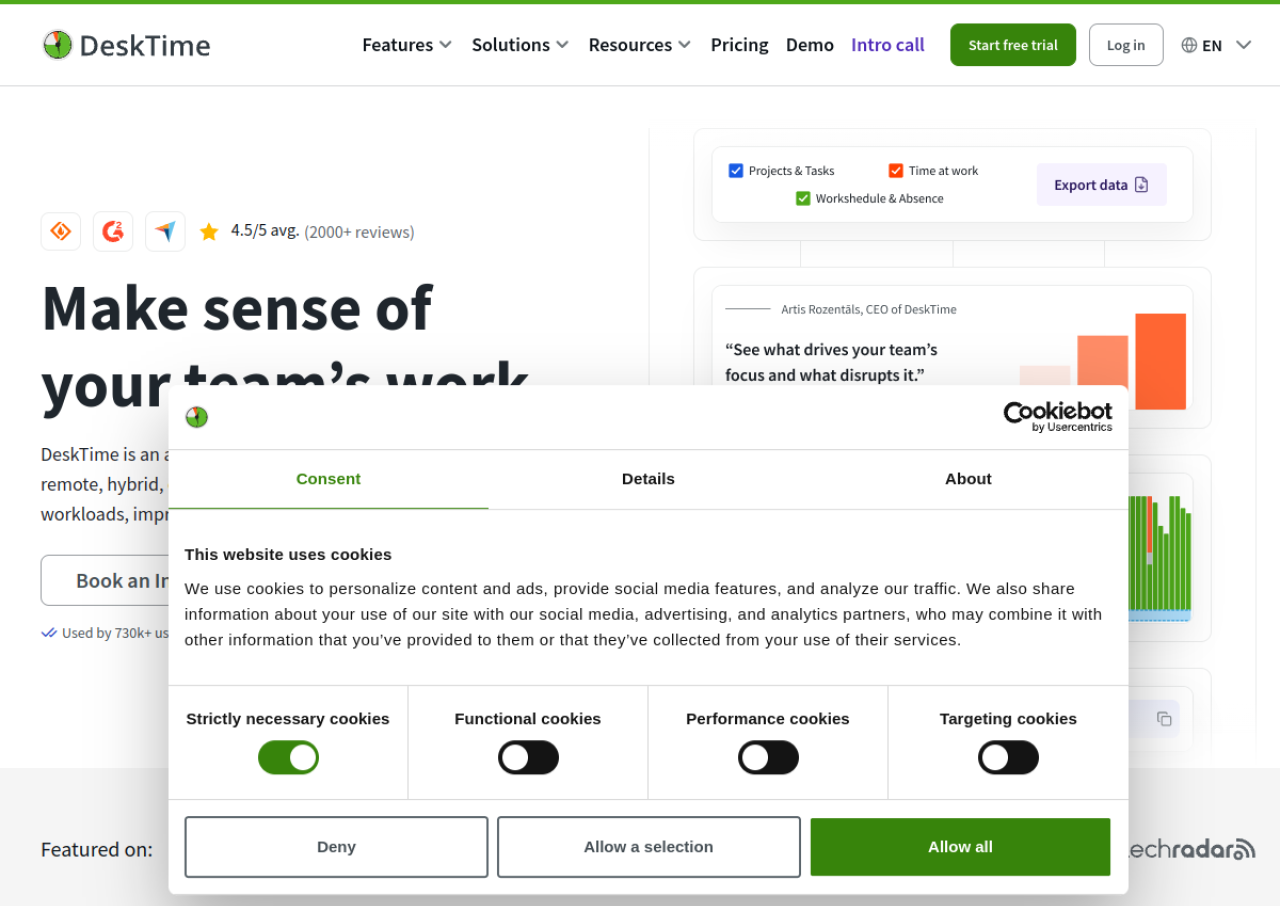
DeskTime is an automatic time tracking and employee monitoring software built for both remote and on-site teams. It runs in the background on desktop and mobile devices, tracking work hours, app and URL usage, document titles, idle time, and project time without requiring manual timers. The platform calculates productivity scores based on which apps and websites employees use, and offers optional screenshots for proof-of-work verification. It is used by IT teams, agencies, consultants, and businesses of various sizes to understand how work time is spent.
Beyond time tracking, DeskTime includes workforce management tools such as shift scheduling, an absence calendar, and attendance tracking, along with reporting dashboards for both individual employees and administrators. It integrates with tools like Jira, Asana, Google Calendar, Outlook, GitLab, Trello, and Zapier, and offers an API for custom setups. DeskTime is priced per user with separate Pro and Premium tiers plus a custom Enterprise plan for larger organizations, and it offers a 14-day free trial without requiring payment details upfront.
Key Features of DeskTime
Here are the powerful features that make DeskTime stand out from the competition. Packed with innovative tools and advanced functionalities, this software offers a range of benefits.
- Automatic time tracking via desktop app (Windows, Mac, Linux)
- URL and application usage tracking
- Document title tracking (monitors document names, email subjects, app titles)
- Productivity calculation based on app/site usage
- Automatic screenshots for proof-of-work (Premium plan)
- Project and task time tracking
- Idle time and break detection with break reminders
- Private time mode to pause tracking for non-work tasks
- Shift scheduling and absence calendar
- Integrations with Jira, Asana, Google Calendar, Outlook, GitLab, Trello, Zapier, plus API access
DeskTime Pricing
Here are the pricing plans for DeskTime. Choose the plan that best fits your requirements and budget.
Pro
$6.42/user/month
Billed annually (or $7/user/month billed monthly)
Document title tracking, productivity calculations, calendar integrations
Premium
$9.17/user/month
Billed annually (or $10/user/month billed monthly); Most Popular
Everything in Pro plus screenshots, integrations & API, shift scheduling
Enterprise
Custom
200+ users
Everything in Premium plus custom API on request, dedicated account manager, personalized onboarding, and employee training
DeskTime Specifications
Get a closer look at the technical specifications and system requirements for DeskTime. Find out if it's compatible with your operating system and other software.
- cloud based
- web app
- windows
- macos
- ios
- android
- startups
- smes
- agencies
- enterprises
- freelancers
- phone
- live support
DeskTime Videos
DeskTime Screenshots
Alternatives of DeskTime
AlternativesExplore alternative software options that can fulfill similar requirements as DeskTime. Evaluate their features, pricing, and user feedback to find the perfect fit for your needs.
Time tracking with billing and budget management, built directly into your project management tools
Time tracking and invoicing software that turns tracked hours into budgets, reports, and client invoices.
Time tracking and productivity monitoring platform that turns work hours into insights and automated payments.
DeskTime Comparisons
Compare DeskTime with other similar options available. Explore the key differences to see why it's the top choice for businesses and individuals.



Overall DeskTime Reviews
Here's our unbiased review of DeskTime. Discover how our team of experts rates its features, ease of use, customer support, and other aspects that contribute to its overall appeal.