
Bravo Studio
What is Bravo Studio?
Bravo Studio is a no-code app development platform that converts Figma design files directly into functional native iOS and Android apps. Designers add Bravo Tags to Figma layers to define how screens, buttons, and navigation should behave, then preview the result live in the Bravo Vision app before publishing. The platform connects to backends and services such as Firebase, Xano, Supabase, Stripe, and Airtable, and includes a Figma plugin for applying tags and checking screen readiness.
Bravo Studio offers a free Learn plan for exploring the platform with small projects, and a paid Solo plan for larger apps with more screens and unlimited builds for the app stores. Higher per-app upgrades add features like versioning and removal of Bravo branding. The company also runs Bravo To Go, a managed service where its team builds an app from a Figma file for customers who prefer a hands-off approach.
Key Features of Bravo Studio
Here are the powerful features that make Bravo Studio stand out from the competition. Packed with innovative tools and advanced functionalities, this software offers a range of benefits.
- Figma-to-app conversion using Bravo Tags
- Bravo Vision live preview and hot reload
- Native iOS and Android app builds
- API and backend integrations (Firebase, Xano, Supabase, Airtable)
- Stripe payments and OAuth authentication
- Figma plugin for tagging and validation
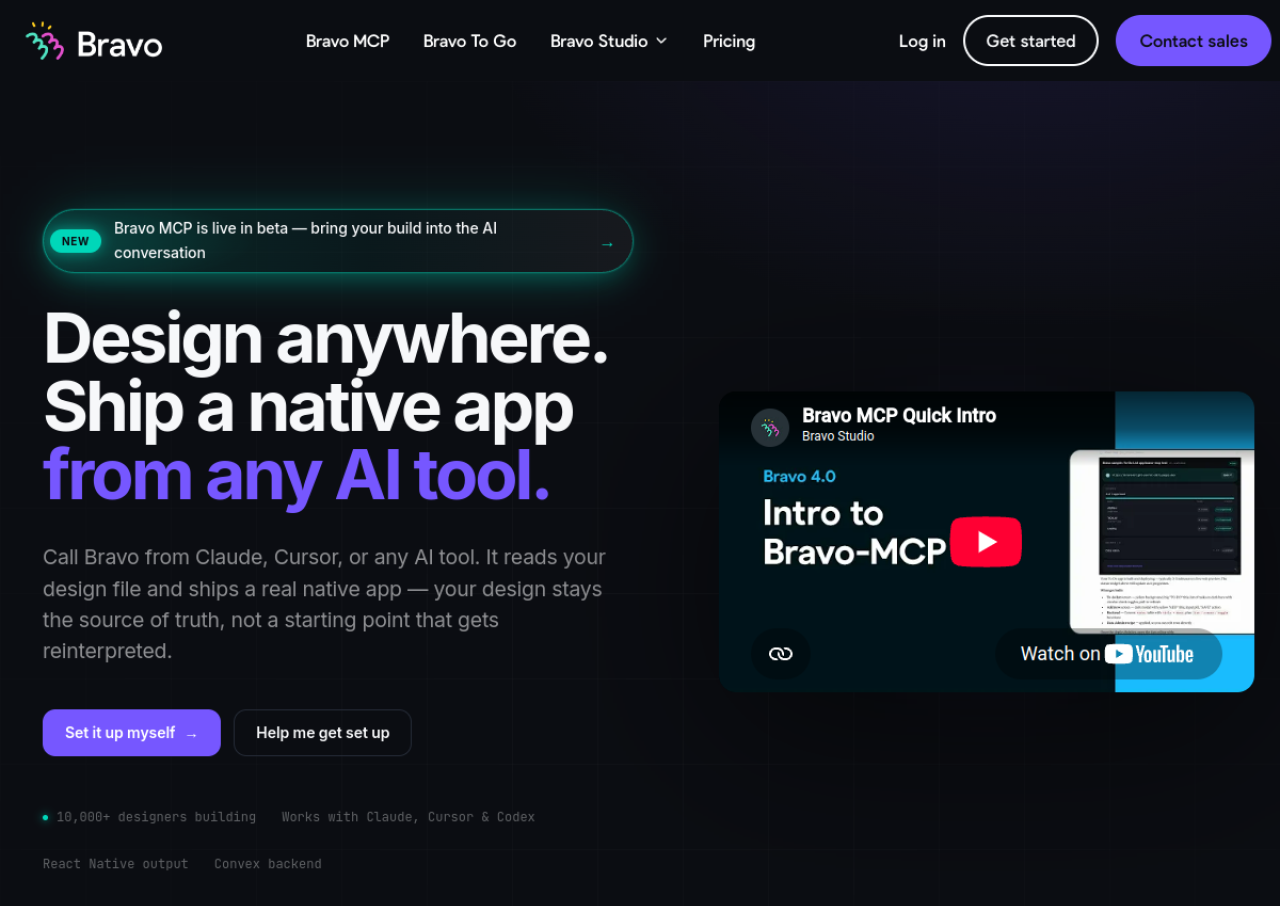
- Bravo MCP AI integration with Claude, ChatGPT, and Cursor
- App store publishing support
- Charts, native maps, and conditional UI components
- Managed build service (Bravo To Go)
Bravo Studio Pricing
Here are the pricing plans for Bravo Studio. Choose the plan that best fits your requirements and budget.
Learn
Free
Up to 15 screens per app
Unlimited app projects, Bravo Vision previewer, community support, no card required
Solo
$22/month
Up to 30 screens per app
Unlimited projects, unlimited app store builds, Stripe/Firebase/OAuth integrations, Bravo MCP (beta) included
Pro/Advanced/Business
Custom
Increased per-app screen limits
Per-app upgrade tiers adding versioning, removal of Bravo branding, and additional features
Bravo Studio Specifications
Get a closer look at the technical specifications and system requirements for Bravo Studio. Find out if it's compatible with your operating system and other software.
- cloud based
- web app
- ios
- android
- freelancers
- startups
- smes
- agencies
- live support
- tickets
Bravo Studio Videos
Bravo Studio Screenshots
Overall Bravo Studio Reviews
Here's our unbiased review of Bravo Studio. Discover how our team of experts rates its features, ease of use, customer support, and other aspects that contribute to its overall appeal.